Bigo Live gives viewers no way to save content. Streams come and go, replays don’t always stick around, and once a creator deletes or archives a broadcast, it’s gone. If you want to keep a copy of a live stream or replay, you need a tool that can capture the video while it’s playing.
Here’s what actually works — and why the obvious approaches don’t.
What Is Bigo Live?
Bigo Live is a global live streaming platform developed by Singapore-based BIGO Technology, with a particularly large user base across Southeast Asia, the Middle East, and North Africa. Content ranges from talent performances and PK battle streams to gaming and everyday lifestyle broadcasts.
Like most live platforms, Bigo Live is built around real-time interaction rather than content archives. Whether a stream gets saved as a replay depends entirely on the creator’s settings. Viewers have no native option to download or store anything themselves.
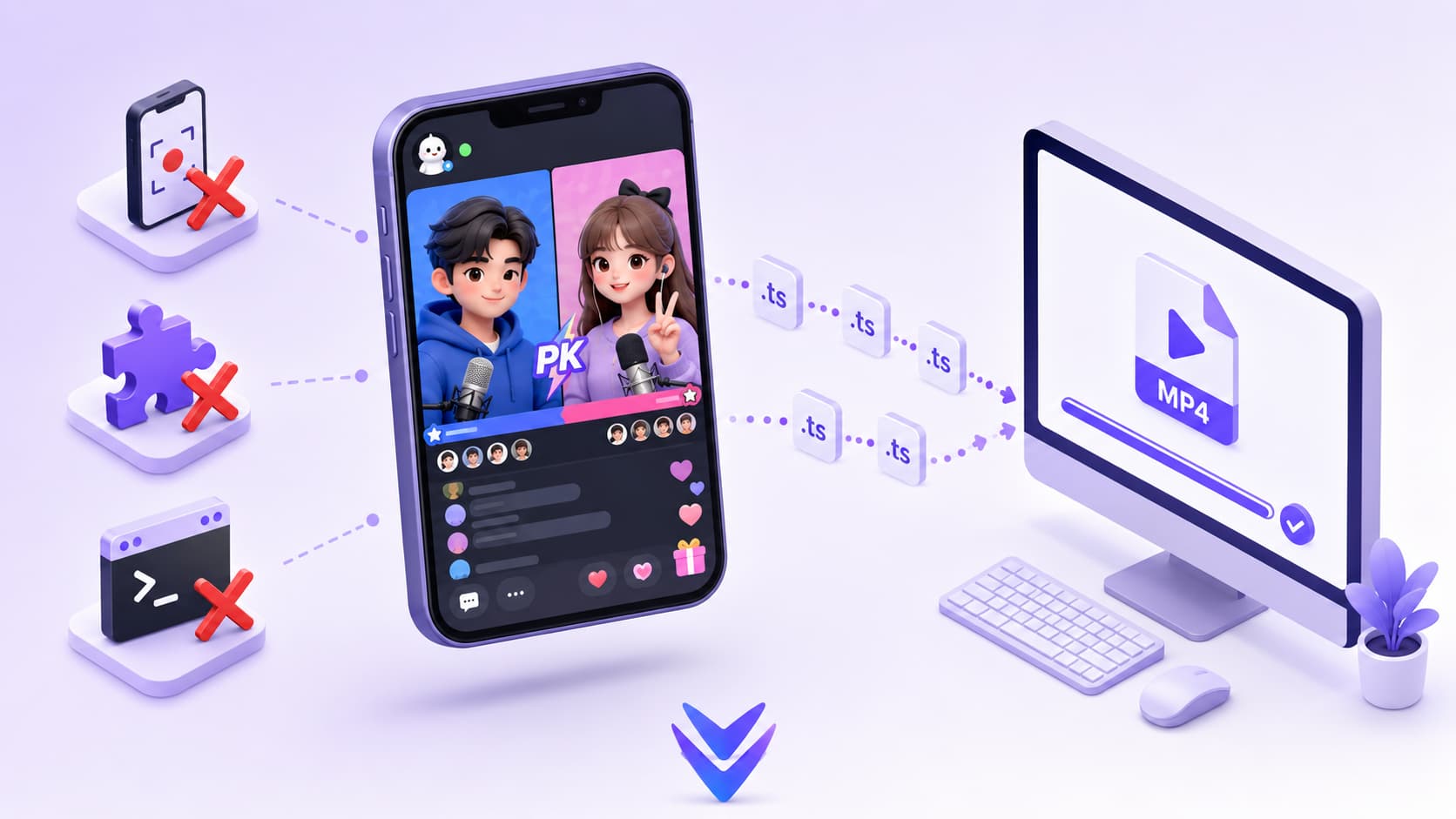
Why Downloading Bigo Live Videos Is Harder Than It Looks
Bigo Live streams run on HLS or RTMP protocols — the same underlying technology used by Twitch and Chaturbate. Video is broken into short segments and delivered in real time. Standard download tools only receive playback instructions, not a complete file they can save.
The platform is also primarily mobile-first. Most features live inside the iOS and Android apps, and the web interface is limited. Many browser-based download tools were never designed to handle this kind of setup.
Here’s why common methods fail:
Browser extensions — Bigo Live builds short-lived stream requests dynamically. Many generic extensions therefore do not expose an ordinary downloadable media URL and may report that no media was found.
yt-dlp — Command-line support for Bigo Live is inconsistent. Live stream URLs expire quickly, making direct grabs unreliable. Some regional content also runs into IP restrictions that block external tool access entirely.
Screen recording — Technically possible, but the quality hit is visible: lower resolution, unstable frame rates, and heavy system load during long sessions. The resulting file looks worse than the original stream and takes up more storage than a clean capture would.
Dedicated stream capture tools — Some software can theoretically pull RTMP streams, but finding the stream address requires manual packet inspection, and the address can change mid-session. The setup process isn’t practical for most users.
How VidMost Handles Bigo Live
VidMost is built on a full Chromium browser, so it handles live streams at the rendering layer — the same way your browser plays them, but with a simultaneous save running in the background.
Open VidMost, navigate to Bigo Live’s web interface, start playing a stream, and VidMost automatically detects the media and shows a download option in the toolbar. No URL hunting, no command line, no configuration.
For content that requires a login, sign into your Bigo account inside VidMost’s built-in browser. Your session carries through, so anything you have access to — including content behind authentication — can be saved the same way.
VidMost covers 1,000+ platforms including Chaturbate, OnlyFans, Fansly, Twitch, Huya, and Douyu. If you’re pulling content from multiple streaming sites, one tool handles all of it.
Step-by-Step: Downloading Bigo Live Videos
Step 1: Download and install VidMost from vidmost.com.
Step 2: Open VidMost and navigate to live.bigo.tv.
Step 3: If the content requires a login, sign into your Bigo account inside VidMost’s browser.
Step 4: Open the live stream or replay you want to save and start playback.
Step 5: After a few seconds, VidMost detects the stream and displays a download prompt in the toolbar. Click it, choose your resolution, and save.
Step 6: The file saves as a standard MP4, playable on any device or video editor.
What You Can and Can’t Download
You can download:
-
Active live streams captured in real time
-
Replay videos saved on a creator’s profile
-
Publicly accessible content without login requirements
You can’t download:
-
Streams the creator has deleted or that the platform has removed — if the content isn’t on the page, it can’t be captured
-
Paid or gated content you haven’t already unlocked — VidMost only saves content your account can already access
Why Bother Saving Bigo Live Content Locally?
Live content is inherently temporary. Creators go offline, delete their accounts, or change privacy settings without notice. A stream you watched today might be completely inaccessible next week. For content research, competitive analysis, cross-platform marketing, or personal archiving, local storage is the only approach that holds up long-term.
VidMost makes that straightforward — open it, play the video, and it handles the rest. No technical troubleshooting, no workarounds that break after a platform update.
FAQ
Can VidMost capture Bigo Live streams in real time? Yes. During an active broadcast, VidMost captures the stream as it plays. You don’t need to wait for a replay to be posted — or hope the creator saves one at all.
What resolution can I download at? It depends on the creator’s broadcast quality and what Bigo Live makes available in the current playback session.
Is it legal to download Bigo Live videos? Downloading for personal, offline use falls into a legal gray area that varies by jurisdiction. Content saved through VidMost should be for personal use only — not redistribution or commercial purposes.
Does VidMost work on other streaming platforms? Yes — 1,000+ platforms including Huya, Douyu, Twitch, YouTube, OnlyFans, Fansly, and Chaturbate. One tool for every platform you use.
Does VidMost require a subscription? There’s a free tier with download limits. The Pro plan is $10/month or $38/year for unlimited use.
How Bigo Live Streams Actually Work
Curious what’s happening under the hood when you watch a Bigo Live broadcast? Like nearly every live platform, Bigo delivers video as HLS — short segments listed in an .m3u8 playlist, fetched over plain HTTP, and reassembled by the player in real time. Quality adapts on the fly via adaptive bitrate streaming, which is why the picture sometimes shifts between sharp and soft mid-stream.
Related reading
- What Is HLS and M3U8? — the playlist-and-segments format every Bigo Live stream travels on.
- How Online Video Actually Plays — the full pipeline from camera to your screen.
- Why Video Quality Changes Mid-Playback — why a live stream’s quality can swing during a single session.