JustForFans is an adult subscription platform founded by Grooby Productions, built specifically for gay, bisexual, and transgender creators and their fans. Like OnlyFans, it protects member content through logged-in playback, account permissions, and platform access controls, so standard download tools, browser extensions, and screen recording often fail.
Here’s the process that actually works.
Key Takeaways
JustForFans requires valid account access — browser extensions and command-line tools often fail on member playback
Screen recording outputs a black screen due to hardware-accelerated playback protection
VidMost has browser recording mode, saving browser-rendered playback during normal playback
Final quality depends on the playback quality JustForFans provides to your current browser session
What Is JustForFans?
JustForFans (justfor.fans) was founded by Grooby Productions, one of the adult entertainment industry’s most established companies. The platform focuses specifically on gay, bisexual, and transgender creators — giving it a distinct community identity and loyal user base that sets it apart from general-purpose subscription platforms.
The business model combines monthly subscriptions with pay-per-view content, tips, and messaging. Videos play in your browser once your subscription or PPV access is verified, but saving them for local storage requires a workflow that stays inside your authorized browser session.
Why Standard Download Methods Fail
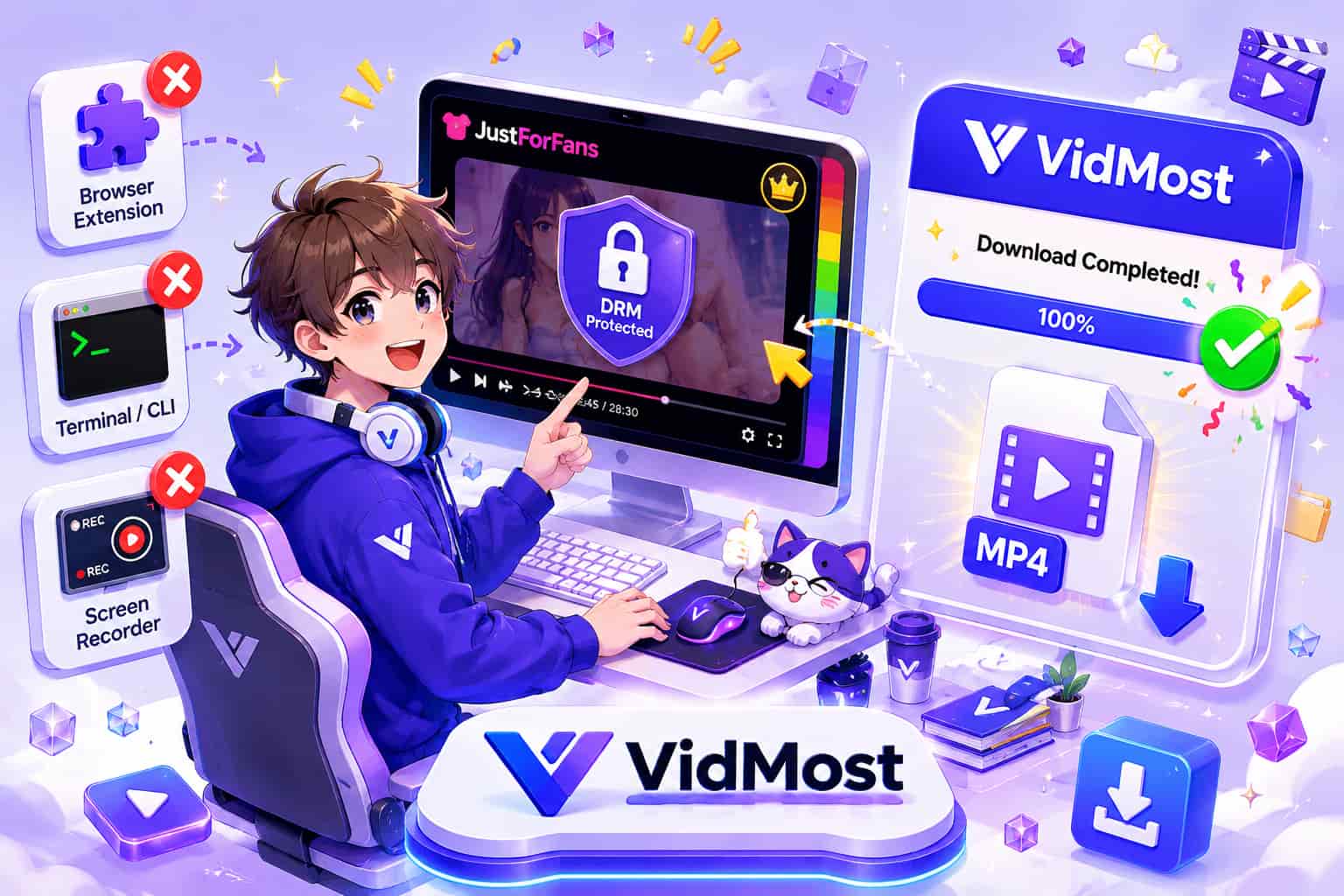
Browser extensions — Extensions work at the page layer and often cannot follow membership playback, account checks, and short-lived media sessions. You’ll either see no video detected or end up with a file that won’t play.
yt-dlp — Command-line tools depend on stable, directly accessible media URLs. JustForFans playback also uses time-limited account validation, which can break direct capture attempts.
Screen recording — Hardware-accelerated playback protection causes screen recorders to output a black screen on default system settings. Disabling hardware acceleration allows recording but with visible quality degradation — not a practical solution for longer content.
VidMost works from inside the normal playback session. Its full Chromium browser with browser recording mode plays the video normally while saving browser-rendered playback — the same browser playback workflow, with a recording step built in.
What You Need Before Starting
Tool: VidMost (Windows or macOS)
Account: Your JustForFans account with an active subscription
Time: ~2 minutes to install, ~5 minutes per download
Free plan note: Browser recording mode is limited to 5 minutes per session and 5 sessions per day. Full saves require Pro: $10/month, $38/year, or $98 lifetime
Step 1: Install VidMost
Download and install VidMost from vidmost.com. The installation takes about two minutes with no extra configuration needed.
Step 2: Log Into JustForFans
Open VidMost and navigate to justfor.fans in the built-in browser. Sign into your account.
Paid content requires valid subscription access. VidMost only saves content you can already view in your account.
Step 3: Find Your Content and Start Playback
Navigate to the creator’s profile and open the video you want to save. Start playing it.
VidMost supports all JustForFans content types: subscription videos, PPV unlocks, and archived live stream replays.
Step 4: Let VidMost Detect the Stream
Let the video play for 3–5 seconds. VidMost automatically watches the normal browser playback session. When detection succeeds, a download or recording prompt appears in the toolbar.
If no prompt appears after 5 seconds, refresh the page and try again.
Step 5: Save the Video
Click the download button in the toolbar and select your save method:
-
Sniff download: When VidMost detects an eligible open stream, select an available resolution and save where permitted
-
Browser recording mode: For member content your account can view and you are allowed to save, recording mode saves the browser-rendered playback during normal playback
Final quality depends on the playback quality JustForFans provides to your signed-in browser session and the content creator’s original upload.
Step 6: Confirm and Use the File
The completed download saves as a standard MP4 file to your local storage. Opens in any media player, imports into any video editor without conversion.
VidMost covers 1,000+ platforms — OnlyFans, Fansly, Loyalfans, MYM.fans, Chaturbate, and more. One tool for every subscription platform you use.
What You Can and Can’t Download
You can download:
-
Any subscription or PPV content you’ve already paid to access
-
Public content on creator profiles
-
Archived live stream replays
You can’t download:
-
Content behind subscriptions you haven’t purchased
-
Content creators have removed from their profiles
FAQ
Who is JustForFans designed for?
JustForFans was built specifically for gay, bisexual, and transgender creators and their audiences. Founded by Grooby Productions, one of the adult industry’s most established companies, it has strong community identity and loyal user engagement within the LGBTQ+ adult content market.
Is the download process the same as OnlyFans?
Nearly identical. Both rely on logged-in membership playback, and VidMost handles them the same way — log in, play the video, click download. The workflow is consistent across similar subscription platforms.
What are the free plan limits?
Browser recording mode is capped at 5 minutes per session and 5 sessions per day on the free plan. For complete, unlimited saves, Pro is $10/month, $38/year, or $98 for a lifetime license.
Does VidMost support JustForFans live streams?
Yes — both active broadcasts (real-time capture) and archived replays saved to creator profiles.
Is downloading JustForFans content legal?
Only save content within the authorization you have from the platform and creator. Follow JustForFans terms, your account permissions, rights-holder authorization, and local law. Do not share, resell, or republish saved member content.