TL;DR: Kick uses standard HLS streaming for VODs and live streams. VidMost detects eligible streams automatically the moment you press play. Open VidMost, navigate to the Kick VOD or live stream, hit play, and the download button lights up within 10 seconds.
Kick has crossed 60 million registered users since launching in 2022, making it the fastest-growing live streaming platform outside of Twitch. Its 95% creator revenue share and relaxed content policy have pulled top streamers away from every major platform — and with them, millions of viewers who now watch their favorite gaming, IRL, and gambling streams on Kick daily.
The problem: Kick gives viewers zero native download options. VODs disappear after 60 days. Clips get deleted without warning. Browser extensions that worked in 2024 break every time Kick pushes a player update. If you’ve lost a stream you meant to rewatch, you already know how this ends.
This guide shows you the most reliable method for downloading Kick videos in 2026 — using VidMost, a Chromium-based browser with a built-in stream sniffer that detects HLS streams automatically across 1,000+ platforms.
What you’ll need:
-
VidMost installed on Windows or Mac — download free at vidmost.com
-
A Kick.com account (free — required to view some VODs)
-
Time: ~5 minutes for setup, seconds per download thereafter
-
Difficulty: Beginner
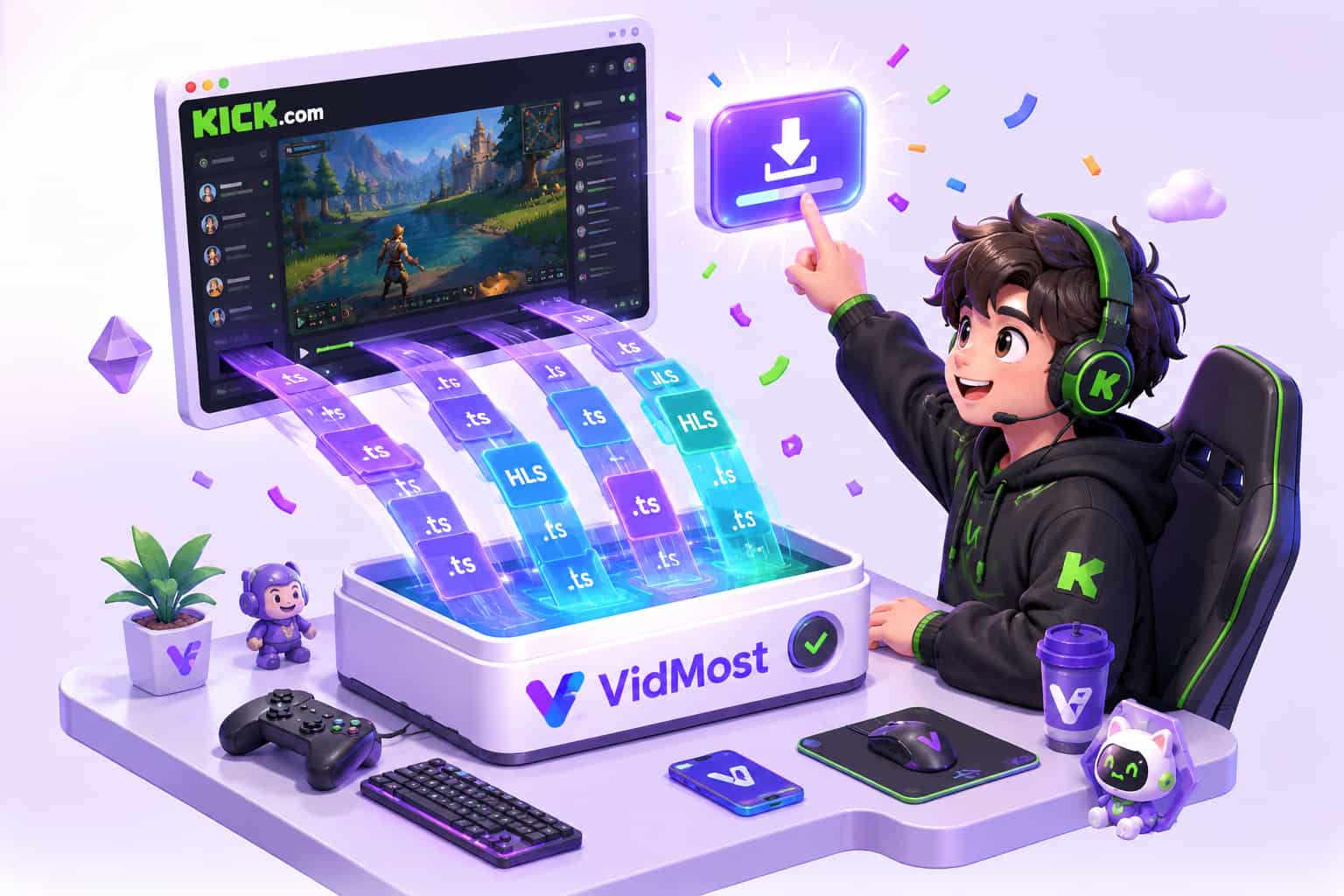
Step 1: Download and Install VidMost
By the end of this step, VidMost will be running on your computer and ready to detect streams.
VidMost is not a browser extension — it is a full Chromium-based browser with stream detection built into the network layer. This distinction matters for Kick specifically, because Kick’s player loads HLS manifests through JavaScript. Extensions intercept page-level requests and frequently miss the manifest entirely. VidMost sits below the JavaScript layer and catches what extensions cannot.
- Go to vidmost.com and click Download Free
- Run the installer —
.exefor Windows,.dmgfor Mac - Launch VidMost; it opens as a full browser window with a toolbar across the top
- Locate the stream detection panel on the right side — this is where download options appear
Verification: VidMost opens, you can browse websites normally, and you see the download panel on the right.
VidMost’s free plan covers open livestream and video sites such as Kick, Twitch, YouTube, and many others with no daily cap. Protected subscription-streaming services are outside this guide’s scope.
Step 2: Navigate to the Kick Video You Want
By the end of this step, you’ll have the Kick content loaded and playing inside VidMost.
Kick has three types of downloadable content: live streams (while broadcasting), VODs (past broadcast recordings), and clips (short highlights). VidMost handles all three. The navigation path is the same — the only difference is whether the content is live or archived.
- Click the VidMost address bar, type
kick.com, and press Enter - Sign in to your Kick account if prompted — some VODs require authentication to view
- Search for the channel or video you want using Kick’s search bar
- For a VOD: click the video thumbnail to open its dedicated page For a live stream: click the channel while the streamer is live
- Click Play to begin loading the stream
Verification: The video plays inside VidMost — you hear audio and see the stream loading normally.
Kick VODs are permanently deleted 60 days after a broadcast. If there’s a stream you want to keep, don’t wait.
Step 3: Wait for Stream Detection
By the end of this step, VidMost will have identified the HLS stream and displayed your quality options.
Kick uses HLS (HTTP Live Streaming) — the same open protocol used by Twitch and YouTube. Because Kick uses open livestream delivery for these videos, VidMost’s stream sniffer can identify and queue the download cleanly. There is no special workaround required and no separate quality cap.
- Once the video starts playing, watch the download panel on the right side of VidMost
- Within 5–15 seconds, VidMost detects the HLS manifest and displays available resolutions
- Typical quality options: Source (1080p/720p), 720p, 480p, 360p — depending on the streamer’s broadcast settings
- If the panel does not update within 20 seconds, pause the video and press play again to force a fresh manifest request
Verification: The download panel shows at least one resolution option with a corresponding file size estimate.
Downloading live streams: VidMost can capture an ongoing broadcast in real time. The file saves progressively — you’ll get everything from the moment you start the download forward, not the full stream from the beginning.
Step 4: Select Quality and Start the Download
By the end of this step, your Kick video will be actively downloading to your computer.
Most Kick streamers broadcast at 1080p60 or 720p60 — select the highest resolution available if you’re archiving. If you’re saving storage space, 720p is sufficient for casual rewatching. VidMost presents every available tier, so you always have the choice.
- In the download panel, click the quality dropdown and select your preferred resolution — 1080p recommended for archiving
- Confirm the output folder — VidMost defaults to your system Downloads folder; change this in Settings if needed
- Click Download
- A progress bar appears showing download speed and estimated time remaining
Verification: The progress bar advances and the speed indicator shows an active download rate. For a 1-hour Kick VOD at 1080p, expect roughly 2–5 GB.
VidMost Pro ($10/month, $38/year, or $98 lifetime) unlocks batch downloading — queue an entire creator’s VOD library and let it run overnight without monitoring each file individually.
Step 5: Open Your Downloaded File
By the end of this step, you’ll have a finished MP4 file ready to play on any device.
VidMost saves Kick downloads as standard MP4 files — compatible with VLC, Windows Media Player, QuickTime, and any video editing software without conversion.
- When the download finishes, VidMost shows a “Download Complete” notification
- Click the notification, or open the Downloads panel in VidMost to see all completed files
- Click the folder icon next to the file to reveal it in File Explorer (Windows) or Finder (Mac)
- The filename reflects the stream title and selected resolution (e.g.,
KickStream_1080p.mp4)
Verification: The MP4 file opens in your media player and plays cleanly from the first frame.
If the file ends abruptly or shows a corrupted final segment, your internet connection likely dropped during the download. Re-queue the VOD from Step 2 — most VODs can be re-downloaded as many times as needed while they remain on Kick’s servers.
Common Mistakes to Avoid
More than half of failed Kick download attempts trace back to one root cause: relying on browser extensions that haven’t kept up with Kick’s frequent player updates.
1. Using browser extensions Kick pushes player updates every few weeks. Extensions that hook into page-level JavaScript requests break with each update — sometimes within 48 hours of a release. VidMost operates at the network layer, below the JavaScript engine, so player updates don’t affect it.
2. Right-clicking and trying to save the video
HLS streams are delivered as hundreds of small .ts segment files, not a single downloadable video. Right-clicking on the Kick player and selecting “Save video as” captures a tiny HTML stub — not the stream. You need a tool that reassembles those segments, which is exactly what VidMost does.
3. Waiting too long to download VODs Kick’s 60-day VOD retention window is strict — there is no grace period and no way to request recovery after deletion. Download anything you want to keep within the first week, not the last day.
4. Missing the quality selector If you click Download without selecting a resolution first, VidMost defaults to the lowest available quality. Always open the quality dropdown and confirm your selection before starting the download.
What Success Looks Like
You now have a full-quality Kick VOD saved as an MP4 file — available to rewatch anytime, even after Kick removes it from their servers. A 1-hour broadcast at 1080p runs between 2 and 5 GB depending on the stream’s bitrate. A 3-hour gaming marathon can reach 10–15 GB at source quality.
VidMost’s free plan covers everything in this guide. Kick uses open HLS streaming, so stream sniffing is available on the free tier. If you also need creator membership platforms or want to batch-queue a creator’s full VOD library, Pro starts at $10/month or $38/year with a $98 lifetime option.
Next step: Learn how to download Twitch VODs — including subscriber-only broadcasts that expire faster than standard clips.
Frequently Asked Questions
Is it legal to download Kick videos?
Whether you can save Kick videos depends on platform terms, creator permission, and local law. Publicly redistributing downloaded streams — re-uploading them to YouTube, selling them, or sharing them without the creator’s permission — violates Kick’s Terms of Service and applicable copyright law. Use any saved files only where you are allowed to do so.
Can I download a Kick stream while it’s live?
Yes. VidMost captures live HLS streams in real time. Start the download during Step 3 while the stream is broadcasting, and VidMost saves the broadcast progressively as it comes in. The file will contain everything from the moment you clicked download forward — not the full stream from the beginning.
Why did my browser extension stop working on Kick?
Kick updates its video player JavaScript frequently. Extensions intercept page-level requests and break whenever the manifest loading logic changes. VidMost operates at the network layer beneath the browser’s script engine, which makes it unaffected by these updates. It’s a more stable long-term solution than any extension.
Does VidMost work on Mac?
Yes. VidMost is available for Windows 10/11 and macOS 12 (Monterey) and later. The setup process and interface are identical on both platforms. Downloaded MP4 files play natively in QuickTime on Mac with no conversion needed.
How long are Kick VODs available after a stream ends?
Kick retains VODs for 60 days after the broadcast ends. After that, they are permanently and irreversibly deleted — there is no archive, no recovery option, and no way to request reinstatement. Download anything you want to keep well before the 60-day window closes.
VidMost makes the process straightforward: one browser, automatic stream detection, full HD output. Download VidMost free at vidmost.com and save your favorite Kick streams before Kick’s servers delete them.