Loyalfans protects member content through logged-in playback, account permissions, and platform access controls. Like OnlyFans, videos may play fine in your browser while standard download tools, browser extensions, and command-line utilities still fail to produce a playable saved file. Saving subscription content requires a tool that works with your authorized browser playback session.
Here’s what works, and how to do it.
Key Takeaways
Loyalfans requires valid account access — browser extensions and yt-dlp often fail on member playback
Screen recording produces black screens due to hardware-accelerated playback protection
VidMost has browser recording mode for normal playback, handling Loyalfans the same way it handles OnlyFans
Final quality depends on the playback quality Loyalfans provides to your current browser session
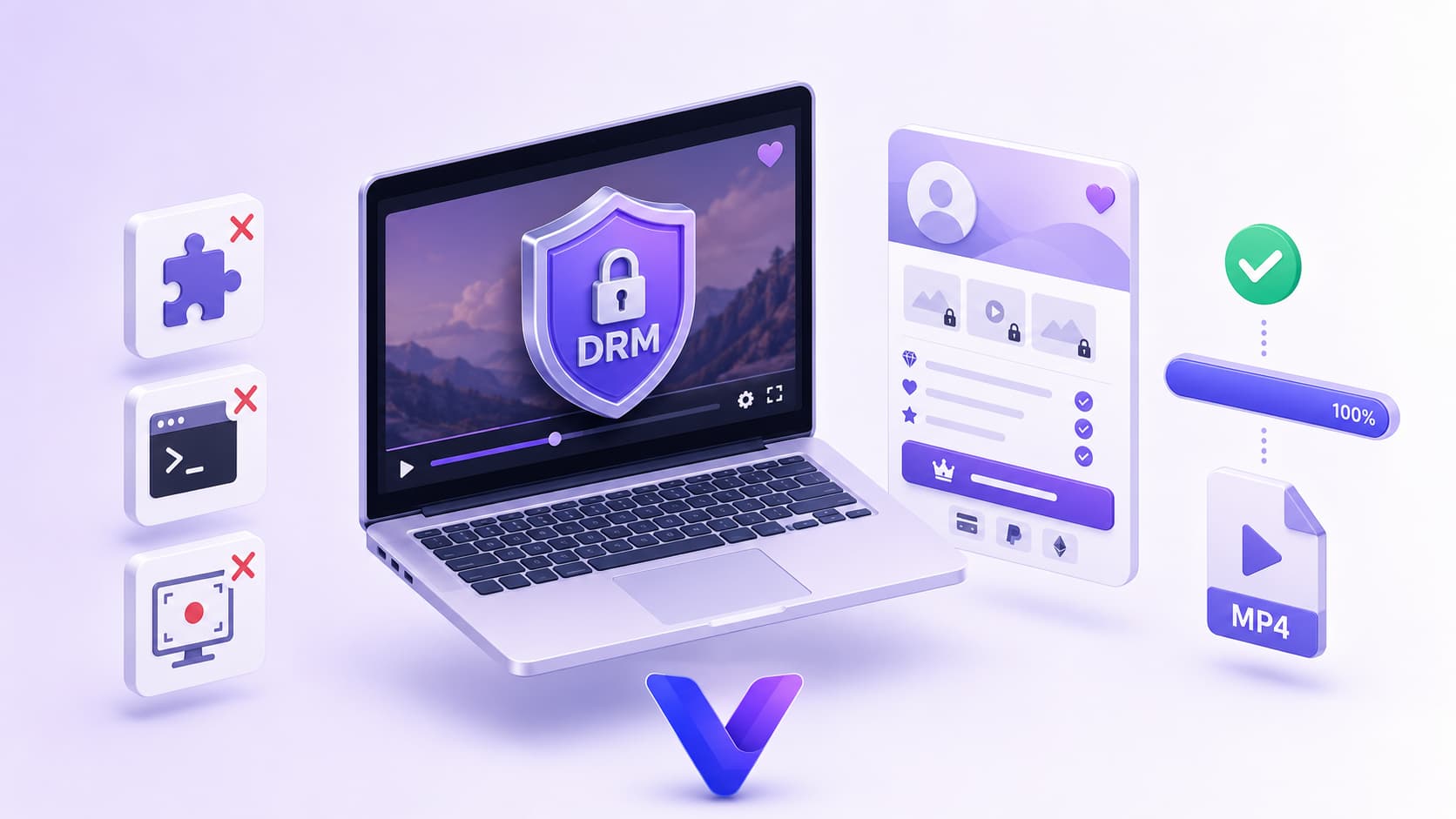
What Is Loyalfans?
Loyalfans is an adult creator subscription platform supporting monthly subscriptions, pay-per-view content, tips, and live streaming. Its positioning closely mirrors OnlyFans and Fansly, with creator-friendly commission rates that have attracted significant migration from competing platforms.
Content is delivered through logged-in browser playback. Videos play normally once your subscription or PPV access is verified, but unauthorized external tools cannot turn that session into a usable local file.
Why Common Download Methods Don’t Work
Browser extensions — Extensions work at the page layer and often cannot follow membership playback, account checks, and short-lived media sessions. They either detect nothing or produce files that won’t play.
yt-dlp — Command-line tools depend on stable, directly accessible media URLs. Even with cookies exported, member playback can expire or fail before you get a complete video.
Screen recording — Loyalfans uses hardware-accelerated playback protection. On default system settings, screen recorders capture a black screen. Disabling hardware acceleration makes recording possible but at severely degraded quality.
VidMost takes a different approach entirely. Built on a full Chromium browser with browser recording mode, it saves browser-rendered playback as it plays, with a save step added for content you are allowed to view.
What You Need Before Starting
Tool: VidMost (Windows or macOS)
Account: Your Loyalfans account with an active subscription or paid content unlocked
Time: ~2 minutes to install, ~5 minutes per download
Free plan note: Browser recording mode is limited to 5 minutes per session and 5 sessions per day. Full-length saves require Pro: $10/month, $38/year, or $98 lifetime
Step 1: Download and Install VidMost
Go to vidmost.com, download the installer for your operating system, and complete the standard installation. No additional configuration needed.
Step 2: Log Into Your Loyalfans Account
Open VidMost and navigate to loyalfans.com in the built-in browser. Sign into your Loyalfans account.
This step is required. Loyalfans paid content needs valid subscription or PPV access. VidMost only saves content you can already view in your account.
Step 3: Find Your Content and Start Playback
Navigate to the creator’s profile and open the video you want to save. Start playing it.
VidMost supports all Loyalfans content types: subscription videos, PPV unlocks, and archived live stream replays — anything you have access to can be saved.
Step 4: Let VidMost Detect the Stream
Let the video play for 3–5 seconds. VidMost’s detection engine watches the normal browser playback session. When detection succeeds, a download or recording prompt appears in the toolbar.
What we found: VidMost usually recognizes Loyalfans playback within about 3 seconds of playback starting — consistent with OnlyFans performance in our testing.
If no prompt appears after 5 seconds, refresh the page and try again.
Step 5: Select Your Save Method and Download
Click the download button in the toolbar. Depending on the content:
-
Sniff download: When VidMost detects an eligible open stream, select an available resolution and save where permitted
-
Browser recording mode: For member content your account can view and you are allowed to save, recording mode saves the browser-rendered playback during normal playback
Final quality depends on the playback quality Loyalfans provides to your signed-in browser session and the content creator’s original upload.
Step 6: Verify and Use the File
The download saves as a standard MP4 file to your local storage. It opens in any media player and imports into any video editor without conversion.
VidMost covers 1,000+ platforms — OnlyFans, Fansly, MYM.fans, Patreon, Chaturbate, and more. One tool handles your entire subscription library.
What You Can and Can’t Download
You can download:
-
Any content you have an active subscription or paid access to
-
PPV content you’ve already unlocked
-
Public free content on creator profiles
-
Archived live stream replays
You can’t download:
-
Content behind subscriptions you haven’t purchased
-
Content creators have deleted from their profiles
FAQ
Is downloading Loyalfans content the same process as OnlyFans?
Nearly identical. Both platforms rely on logged-in membership playback, and VidMost handles them the same way — log in, play the video, click download. If you’ve saved OnlyFans content with VidMost before, Loyalfans works the same.
Can I download on the free plan?
Partially. Browser recording mode is limited to 5 minutes per session and 5 sessions per day on the free plan. For complete saves, Pro is $10/month, $38/year, or $98 for a lifetime license.
What resolution can I save?
VidMost saves the quality available in your current browser playback session. The result depends on the creator’s upload, Loyalfans playback settings, your account access, and current network conditions.
Does VidMost support Loyalfans live streams?
Yes. Active broadcasts can be captured in real time. Archived replays saved to a creator’s profile can be downloaded the same way as regular videos.
Is downloading Loyalfans content legal?
Only save content within the authorization you have from the platform and creator. Follow Loyalfans terms, your account permissions, rights-holder authorization, and local law. Do not share, resell, or republish saved member content.