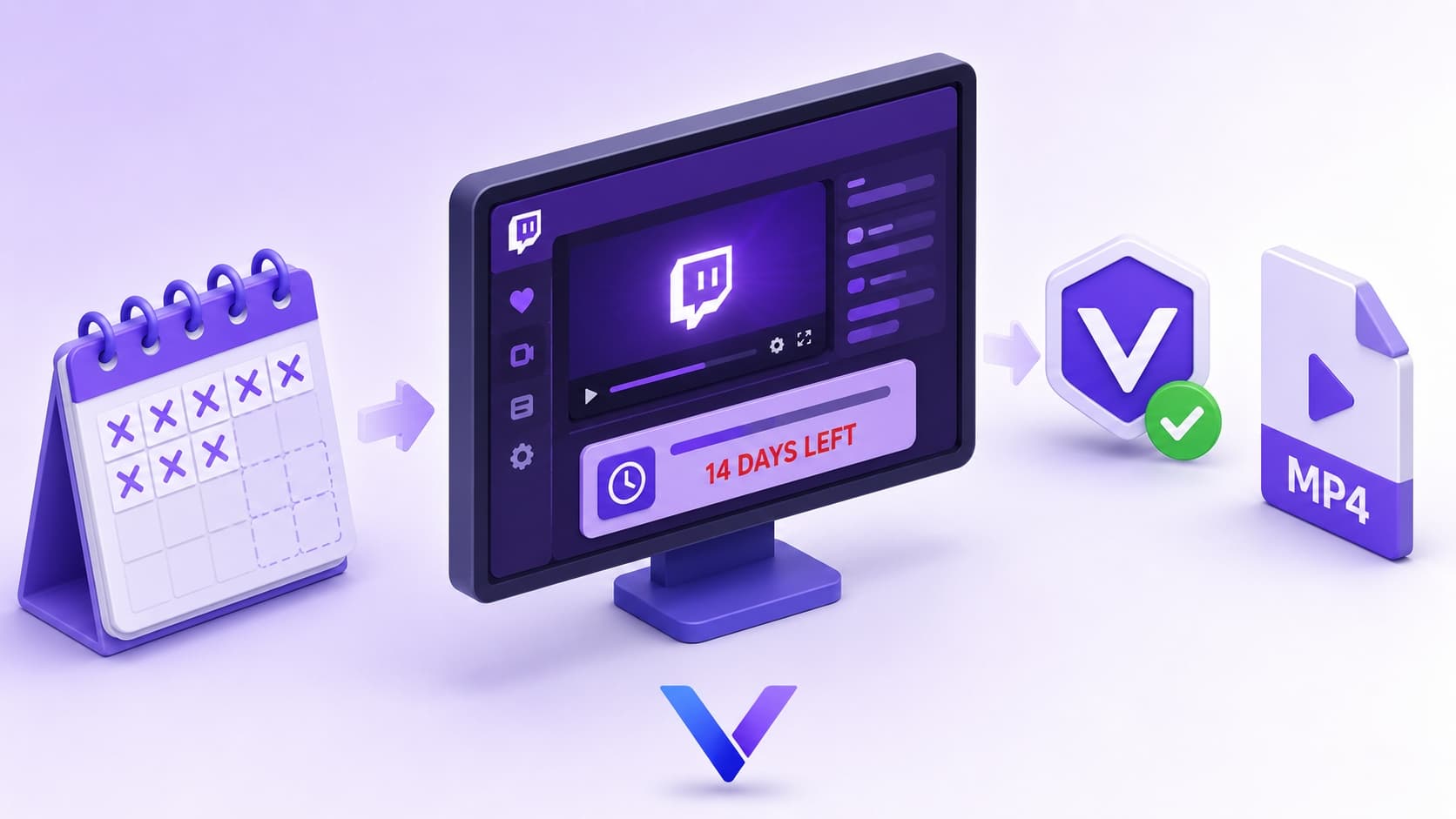
Twitch VODs have an expiration date. Regular streamers’ past broadcasts disappear after 14 days. Affiliates and Partners get 60 days. After that, the content is gone — no recovery, no archive, not even for the streamer themselves.
If there’s a VOD you want to keep — a tournament run, a teaching stream, a memorable moment — you need to save it before the clock runs out. Here’s how.
Key Takeaways
Twitch VODs expire in 14–60 days depending on streamer status, then delete permanently
Viewers have no native download option on Twitch
yt-dlp works for Twitch but requires technical setup and breaks after platform updates
VidMost captures VODs, clips, and live streams directly from the browser — no command line needed
What Types of Twitch Content Can You Download?
Twitch content falls into three categories, each with different characteristics:
VODs (past broadcasts) — Streams saved automatically when a streamer enables recording. Viewable after the broadcast ends. Expiration: 14 days for regular accounts, 60 days for Affiliates and Partners. Deleted automatically, no warning.
Clips — Highlight segments up to 60 seconds, created by viewers or the streamer. No expiration date, but streamers can delete them manually at any time.
Live streams — Active broadcasts that can be captured in real time as they happen.
VidMost handles all three, though the workflow varies slightly depending on which type you’re saving.
Why Twitch VODs Disappear — and Why You Should Act Fast
Twitch’s VOD deletion policy is intentional. The platform pushes streamers toward its Highlights and Clips features for long-term content storage, and automatic deletion creates pressure to use those tools. For viewers, it means content you watched last week might be completely gone by next week.
For streamers, the problem is worse. Even with recording enabled, 60 days is the ceiling — and many classic streams have been permanently lost because no one saved a copy before the deadline hit.
Why Common Download Methods Fall Short
Browser extensions — Most general-purpose video download extensions can’t handle Twitch’s HLS stream format reliably. Few extensions support it at all; fewer still work consistently.
yt-dlp — The command-line tool has dedicated Twitch support and performs better here than on many other platforms. But it still requires installation, configuration, periodic updates when Twitch changes its API, and cookie exports for subscriber-only content. Not practical for most users.
Twitch’s official download (streamers only) — Streamers can download their own VODs from the Creator Dashboard. This does nothing for viewers, and it only applies to saved VODs — not live streams or content from other channels.
Screen recording — Workable for short clips. For a 4-hour gaming session, it’s impractical and produces lower-quality output than a direct stream capture.
VidMost sidesteps these limitations by operating inside the browser’s rendering pipeline — the same layer your browser uses to play the video — rather than trying to intercept it from outside.
Step-by-Step: Downloading Twitch VODs and Clips
Step 1: Download and install VidMost from vidmost.com. The free plan covers 3 downloads per day. Pro is $10/month, $38/year, or $98 for a lifetime license.
Step 2: Open VidMost and navigate to twitch.tv.
Step 3: Find the content you want to save:
-
VODs: Go to the streamer’s channel → Videos → Past Broadcasts
-
Clips: Go to the streamer’s channel → Videos → Clips
-
Live stream: Go directly to the channel currently broadcasting
Step 4: Start playback and let it run for 3–5 seconds. VidMost detects the media stream automatically.
Step 5: When the download prompt appears in VidMost’s toolbar, select your resolution. Twitch VODs typically offer 360p through 1080p options depending on the original broadcast quality.
Step 6: The file saves locally as a standard MP4. No conversion needed — plays on any device or video editor.
Twitch VOD and clip quality depends on the creator’s original broadcast settings and what Twitch makes available for playback.
What You Can and Can’t Download
You can download:
-
VODs still within their active window (before day 14 or 60)
-
Clips from any public channel
-
Live streams captured in real time
-
Subscriber-only VODs (log into your Twitch account inside VidMost first)
You can’t download:
-
Expired VODs that Twitch has already deleted — once gone from the server, no tool can retrieve them
-
Subscription-gated content you haven’t paid to access
How Streamers Use VidMost to Back Up Their Own Content
VidMost is equally useful for streamers who want to archive their own broadcasts before Twitch’s deletion clock runs out.
Many streamers don’t realize that even with VOD recording enabled, everything gets deleted after 60 days. Saving highlights to YouTube or keeping local copies is the only way to preserve content permanently. VidMost makes that backup process simple — no technical setup, no command-line tools, just open and save.
FAQ
How long before Twitch VODs are deleted?
Regular accounts: 14 days. Twitch Affiliates and Partners: 60 days. After the window closes, content is deleted automatically and permanently — no grace period, no recovery option. Download anything you want to keep well before the deadline.
Can I download subscriber-only VODs?
Yes, as long as you have an active subscription to that channel. Log into your Twitch account inside VidMost before navigating to the content. Your subscription access carries through, and the download process is identical to any other VOD.
Is downloading Twitch VODs legal?
Downloading for personal use and offline viewing falls into a legal gray area that varies by jurisdiction. Content downloaded through VidMost should be for personal use only — not redistribution, rebroadcasting, or commercial purposes.
Does VidMost work on other streaming platforms?
Yes — 1,000+ platforms including OnlyFans, Fansly, YouTube, Chaturbate, Bigo Live, Kick, Huya, and Douyu. One tool for every platform you use regularly.
Does VidMost require a subscription?
There’s a free tier with 3 downloads per day — enough for occasional use. Pro is $10/month, $38/year, or $98 for a lifetime license if you’re downloading regularly across multiple platforms.