A lot of people spend their first few minutes on OnlyFans confused about why they can’t find any live streams. You scroll around, click on a creator’s profile, and nothing indicates they’re live — even though you just saw them mention it somewhere.
This isn’t a glitch. OnlyFans live streams work completely differently from Instagram or TikTok. Once you understand the underlying logic, everything else makes sense immediately.
OnlyFans Live: Key Facts at a Glance
| Question | Answer |
|---|---|
| Is a paid subscription required? | Yes — active subscription to that specific creator |
| Where do you find live streams? | Creator’s profile or subscription notifications |
| Can you browse all live streams? | No — only creators you’re subscribed to |
| Are streams available after they end? | Usually not, unless the creator saves them |
| Can you save live streams? | Not through the platform — requires a third-party tool |
How OnlyFans Live Streaming Actually Works
There’s no public “live now” browse page on OnlyFans. You can’t scroll through live streams from random creators the way you would on TikTok or YouTube.
The platform is built on a subscription model, and live content is fully locked inside that relationship. You only see live streams from creators you’re actively paying to subscribe to. If you’ve followed someone without subscribing, or if your subscription has lapsed, their live stream won’t appear at all — not even as a teaser.
This design choice shapes the whole live experience. Because every viewer in a live stream is a paying subscriber, the audience is smaller and more invested. Creators tend to be more open and interactive as a result. The trade-off is that access requires a financial commitment upfront.
What You Need Before You Can Watch Live Content
An Active Paid Subscription
This is the step that catches most people off guard. Following or bookmarking a creator’s profile isn’t enough — you need to complete a paid subscription before any live content becomes visible.
The process:
- Visit the creator’s profile
- Click the subscribe button and review the monthly price
- Complete payment
- Once your subscription is active, you have full access to their posts, DMs, and live streams
Some creators offer free subscriptions but charge separately for individual live streams. This is less common — most standard subscriptions cover live access automatically.
Being Logged Into Your Account
This is obvious in theory but causes real confusion in practice. Any attempt to access live content while logged out will either show a blank page or redirect you to the login screen. Make sure your session is active before you start looking for live streams.
A Compatible Browser
OnlyFans live streaming works best on current versions of Chrome, Firefox, and Safari. Older browsers or certain third-party clients may not load the streaming feature properly.
Finding and Entering a Live Stream
Once your subscription is active, there are two reliable ways to find a live stream:
Notification alerts: Enable live stream notifications in your account settings. When a creator you subscribe to goes live, you’ll get an in-app alert and sometimes an email. Click it and you’re taken directly into the stream.
Direct profile check: If you miss the notification, go to the creator’s profile page. When they’re actively broadcasting, you’ll see a clear “Live Now” indicator or button on their profile. Click it to enter.
Inside the live stream, you’ll find:
-
The video feed
-
A live chat section for interacting with the creator and other viewers
-
Tip and reaction options
The format is intentionally more personal than public streaming platforms — smaller audience, direct interaction, real-time engagement.
What Happens to Live Streams After They End
This is where a lot of people hit an unexpected wall.
When an OnlyFans live stream ends, the content is gone by default. The platform doesn’t automatically archive or save it. Whether a replay becomes available depends entirely on the creator — some save their streams and repost them as regular video content, others deliberately keep live content exclusive to the moment.
If you missed a stream: The most direct approach is messaging the creator and asking if they saved it. There’s no guarantee, and many creators won’t have.
If you want to save live content you have access to:
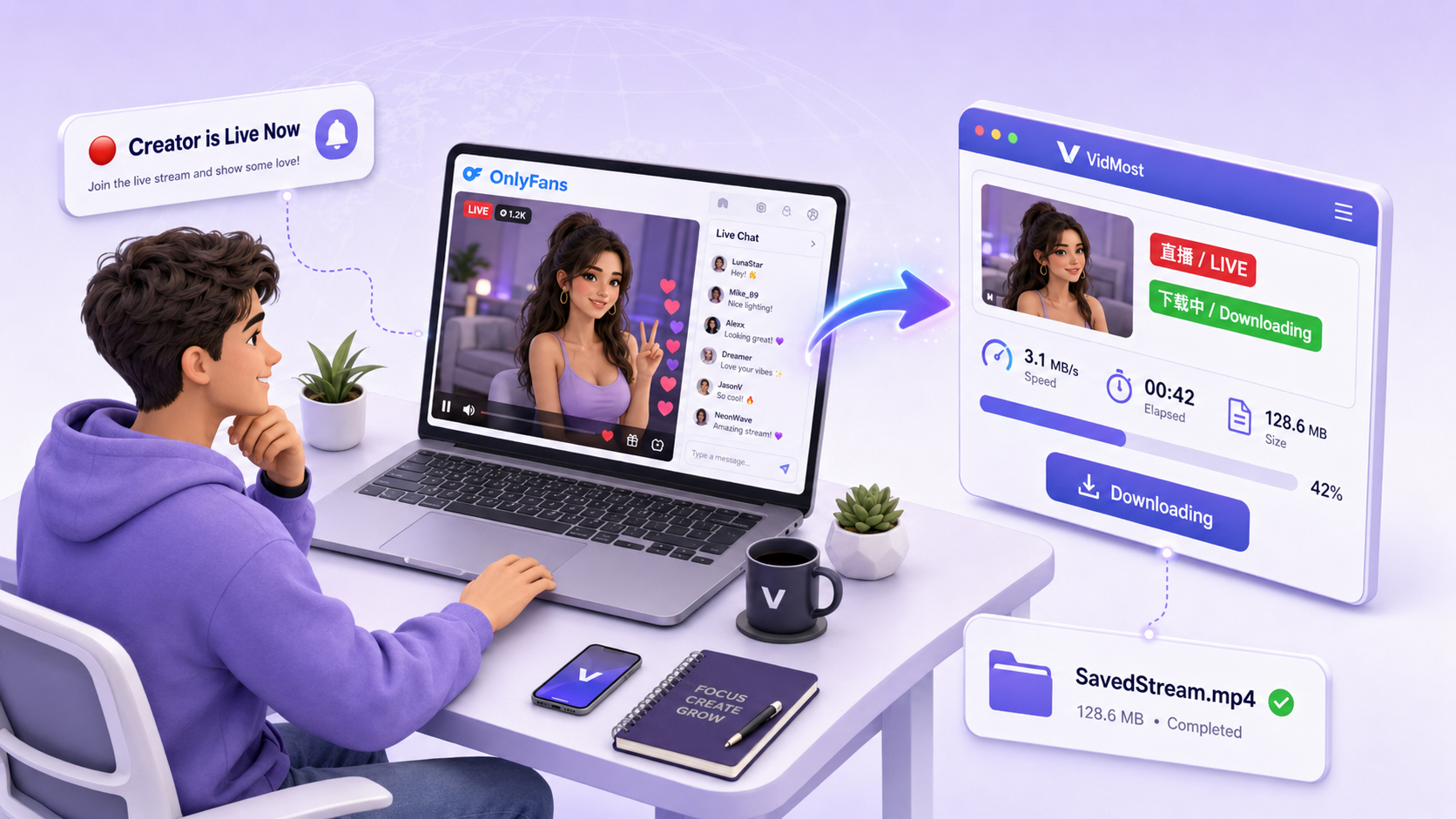
OnlyFans doesn’t provide a built-in download option. For content you are authorized and allowed to save, VidMost provides a signed-in browser workflow for dynamically loaded member videos and longer sessions. Use it only within platform terms, rights-holder permission, and local law.
It supports HD downloads, batch task management, and works across YouTube, Twitch, Reddit, and 1,000+ other platforms. For anyone who takes their content library seriously, it’s significantly more reliable than trying to use tools that weren’t built for subscription platforms.
Managing Notifications Across Multiple Subscriptions
If you subscribe to several creators who stream live, notification management becomes important. You want to catch the streams you actually care about without being overwhelmed by alerts throughout the day.
In your OnlyFans account settings, you can customize which notifications you receive and through which channels. The practical approach: keep live stream notifications active for your most important creators, and turn them off for everyone else.
One thing worth checking regularly: your subscription payment status. If your payment method expires or a charge fails, your subscription lapses automatically. You can end up locked out of a live stream mid-day with no warning. Keep your billing information current so access doesn’t drop at the wrong moment.
Common Reasons Live Streams Don’t Show Up
Subscription isn’t active: Check your subscriptions list and confirm the creator is there with a current payment. If your card expired last week, that subscription is probably gone.
Time zone confusion: If a creator announces a stream time in their local time zone, convert it to yours before you show up. Arriving an hour late because of a missed conversion happens more often than you’d think.
Connection issues: Live streaming needs stable bandwidth. A spotty connection will cause constant buffering or prevent the stream from loading at all — this isn’t platform-specific, just a live video reality.
Browser version: Use a current version of Chrome or Firefox. Outdated browsers sometimes can’t handle the live streaming infrastructure properly.
Frequently Asked Questions
Do I need a paid subscription to watch OnlyFans live streams? Yes. An active paid subscription to that specific creator is required. Following their profile or visiting their page without subscribing won’t give you access to live content.
Can I watch a live stream after it ends? Usually not. Streams disappear when they end unless the creator saves and reposts them. Your best option is to message the creator directly and ask, but there’s no guarantee a replay exists.
I’m subscribed but still can’t see the live stream — why? Verify your subscription is still active (an expired payment method can silently cancel it), check that you have notifications enabled for that creator, and try visiting their profile directly to look for a Live Now indicator.
Will I get notified when someone I subscribe to goes live? Yes, if you have live notifications enabled in your account settings. To avoid alert overload, consider enabling notifications only for your highest-priority creators.
Can I save OnlyFans live streams for later? The platform has no built-in save feature. For content you are allowed to archive, VidMost provides a signed-in browser workflow for subscription-platform video content, dynamic loading, and longer playback sessions. Output quality depends on the playback quality available to your account.
How OnlyFans Live Streams Actually Work
Wondering what’s happening behind the scenes when you click play on a live stream? OnlyFans delivers live content as HLS — short video segments listed in an .m3u8 playlist, fetched from a CDN, reassembled by the player in real time, and gated by subscription access on member tiers. Understanding this is why generic “save video” tools fail and why browser-based workflows work better for content you are allowed to view.
Related reading
- What Is HLS and M3U8? — the playlist-plus-segments format that carries the live stream you’re watching.
- How Online Video Actually Plays — the full pipeline from camera to your screen.