TL;DR: OnlyFans download failures have 6 root causes: signed-in session requirements, session token expiry, output restrictions that can black out generic recorders, tool incompatibility with authenticated streams, platform player updates breaking extensions, and mobile OS playback limits. Each has a specific fix — and most of them point to the same solution: use VidMost, a browser-based tool that handles signed-in playback by design.
Download tool giving you errors? File saves but won’t play? Screen recorder showing black? Download gets to 99% and freezes? These are not random failures — each one has a specific technical cause with a specific fix.
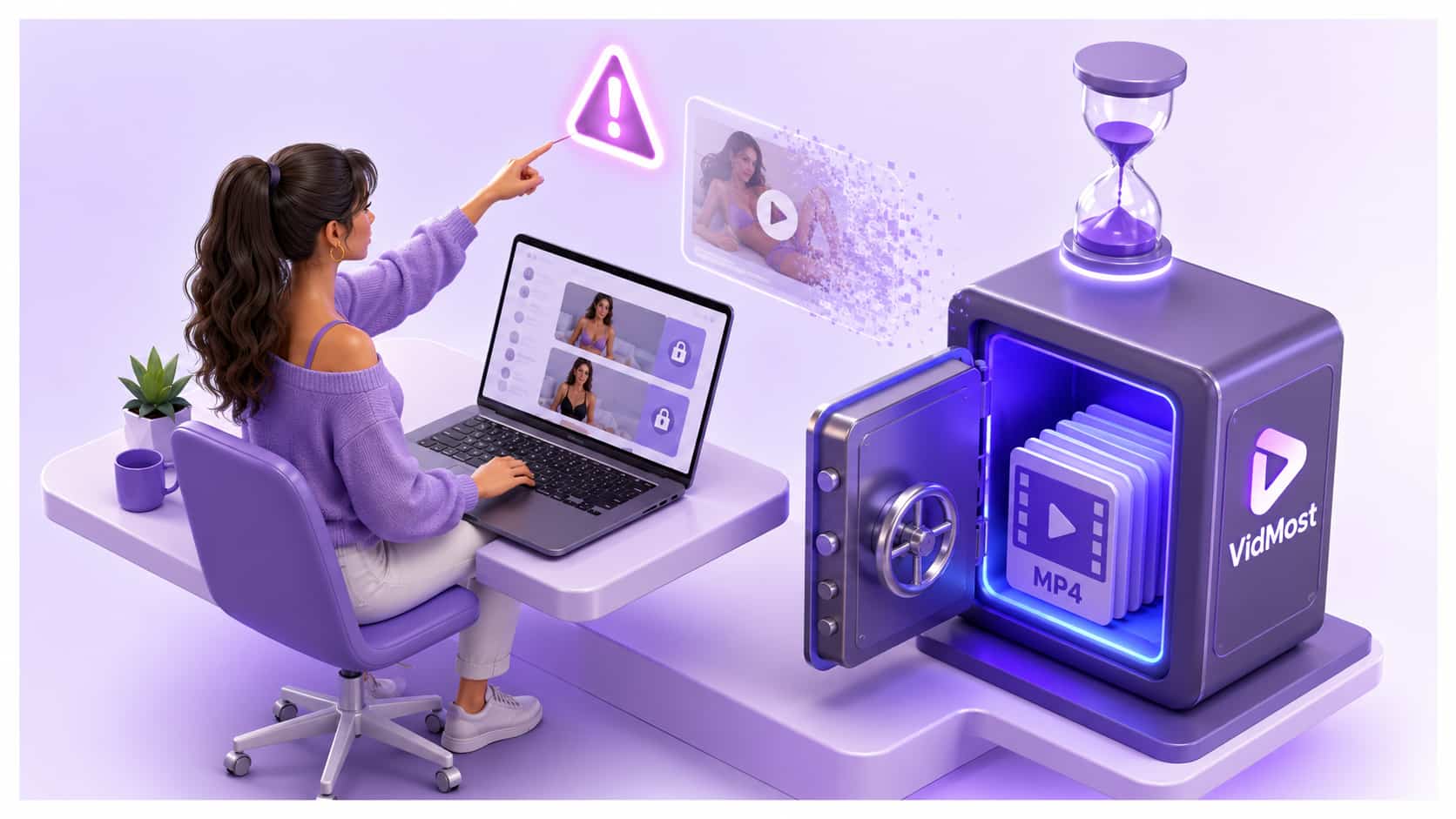
Here are the six real reasons OnlyFans downloads fail, and exactly what to do about each.
Reason 1: Session-Bound Playback
What happens: Your download tool or browser extension saves a file, but the file is unplayable — corrupted, shows “codec not supported,” or is a few kilobytes instead of the expected size.
Why it happens: OnlyFans paid video playback is tied to your logged-in browser session and account permissions. Tools that grab video segment URLs outside that session often save incomplete or unusable files.
The fix: Use only workflows that stay inside your normal signed-in playback session, and only for content you are allowed to save. VidMost’s recording mode records browser-rendered playback without trying to extract standalone media URLs.
Reason 2: Session Token Expiry Mid-Download
What happens: The download starts, reaches somewhere between 40% and 99%, then stalls or fails entirely. Restarting the download starts fine but fails again at a similar point.
Why it happens: OnlyFans uses session-based authentication for video access. The session token that authorizes your video access has a limited lifespan. If the download tool cannot maintain and refresh this token, the authorization expires mid-transfer and the server stops responding (GitHub/UltimaHoarder).
The fix: Use a tool that maintains an active browser session rather than making one-time authenticated requests. VidMost maintains a live browser session throughout playback and capture — the session stays valid because it behaves exactly like an active user watching the video.
Reason 3: Output Protection Blocking Screen Recorders
What happens: OBS, Windows Game Bar, QuickTime, or another screen recorder captures everything on screen except the OnlyFans video — which appears as a solid black rectangle.
Why it happens: Member playback can use rendering paths that ordinary screen recorders do not capture reliably. The recorder may receive black pixels instead of the video area. Standard screen recorders operate at the display layer, after those platform and OS limits are applied.
The fix: Use browser recording mode during normal playback. VidMost plays the video in its Chromium-based browser and records the browser-rendered playback, so it does not rely on the operating system’s screen recorder.
Reason 4: Browser Extensions Breaking After Platform Updates
What happens: An extension that worked for weeks suddenly stops working after an OnlyFans update — returning empty downloads, parsing errors, or “video not found.”
Why it happens: Browser extensions hook into specific JavaScript events or manifest URL patterns. When OnlyFans pushes a player update — which happens regularly — these hooks break. The extension is looking for something that no longer exists in the updated code.
The fix: Use a tool that does not depend on page-level JavaScript patterns. VidMost uses two stable browser workflows: stream sniffing for open media and browser recording mode for signed-in member playback. A player update on OnlyFans does not change the fact that your signed-in browser session can play the content.
Reason 5: Wrong Tool Type for Authenticated Content
What happens: The download tool works fine on YouTube or other public sites, but fails completely on OnlyFans — either unable to find any video, or returning authentication errors.
Why it happens: Generic download tools are built for public, unauthenticated video platforms. They do not maintain browser sessions, cannot pass authentication headers to OnlyFans servers, and cannot access content that requires a valid subscriber login. From their perspective, the OnlyFans video does not exist because they cannot authenticate to see it.
The fix: Use a tool that operates inside an authenticated browser session. VidMost logs in to OnlyFans as a full browser, maintaining the same session state as a human subscriber. It sees everything your account is authorized to view.
Reason 6: iOS and Android Restrictions
What happens: Attempting to screen record on an iPhone or Android device results in a black screen, system notification that “recording is blocked,” or the video pausing automatically when screen record starts.
Why it happens: Mobile operating systems apply stricter playback and capture limits than desktop browsers. The exact behavior varies by device, browser, and platform policy, but native mobile recording is often blocked or unreliable for membership video.
The fix for mobile: Use the platform’s allowed offline or save features where available. If you are using VidMost on desktop, only record content your account can view and that you are allowed to save under platform terms and rights-holder authorization.
The Common Thread: Why VidMost Solves All Six
Each of the six failure modes above exists because the tool is operating at the wrong layer of the playback stack. The pattern is consistent:
-
Extensions operate at the page/script layer — fragile when player code changes
-
Screen recorders operate at the display layer — blocked by output protection
-
Generic downloaders operate at the network request layer — blocked by authentication and session checks
-
Mobile OS recording operates at the display/hardware layer — limited by device and platform capture policies
VidMost uses browser recording mode during normal browser playback. It records what the built-in browser is already rendering for your signed-in session and only handles content your account can already play.
To fix all six problems at once: Install VidMost from vidmost.com, log in to OnlyFans inside it, and use recording mode only for content you can view and are allowed to save.
Frequently Asked Questions
Why does my download freeze at exactly 99%?
This is almost always session token expiry. OnlyFans’s access tokens have a limited lifespan, and a download tool that makes static requests cannot refresh the token mid-transfer. VidMost maintains a live session throughout, eliminating this specific failure mode.
Can I resume a failed OnlyFans download?
Standard download tools do not support resumable downloads on member-gated content, because each resumed attempt may require fresh account validation. VidMost records in real time during playback — if a recording is interrupted, simply restart the recording from the beginning of the video.
Does using a VPN cause OnlyFans downloads to fail?
VPNs can interfere with OnlyFans’s login, region, and session checks, particularly if the VPN endpoint is in a region where the platform applies additional security checks. If you use a VPN and experience playback or save failures, try disabling it before opening VidMost.
Download VidMost free at vidmost.com and resolve all six failure modes with one tool.