You’ve verified your account, and now you’re staring at an empty profile wondering where to actually start.
Most guides either bury you in unnecessary detail or skip the practical steps that actually matter in your first few days. This isn’t theory — it’s the concrete, chronological setup process you need to complete before you can realistically start promoting and earning.
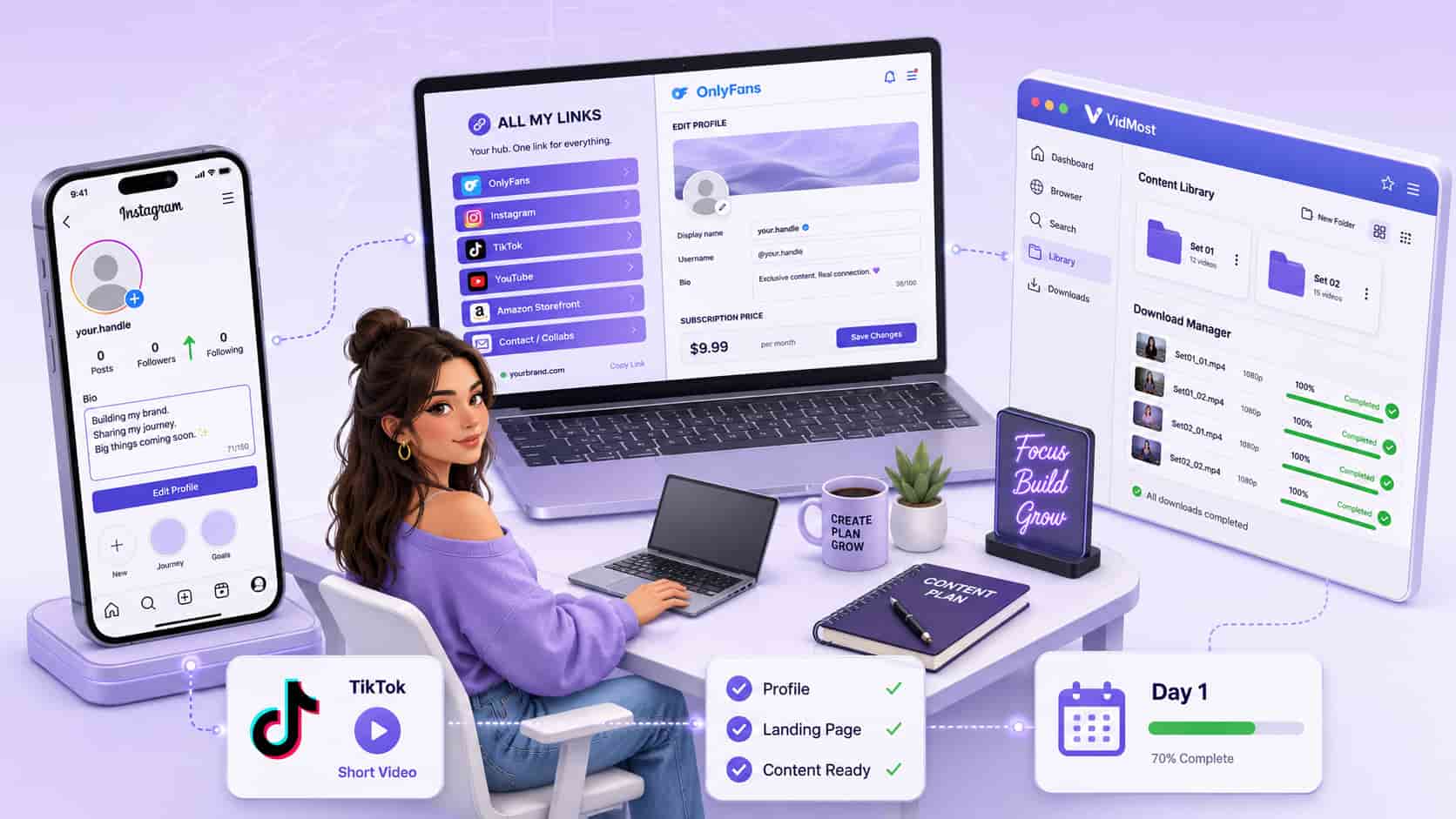
First Week Roadmap
| Phase | Timeline | Focus |
|---|---|---|
| Account setup | Days 1–2 | Social media profiles, OnlyFans page, landing page |
| Content prep | Days 3–4 | At least 2 content sets, market research |
| Start promoting | Days 5–7 | Post on social media, drive first traffic |
Why Your First Week Matters More Than You Think
Nobody emphasizes this enough: the way you set things up in the first few days will either make your life significantly easier or create problems you’ll spend months fixing.
Creators who make their first $1,000 in a month versus those still struggling after three months often have the same amount of effort invested. The difference is how methodically they handled initial setup. You can’t effectively promote a poorly optimized profile, and you can’t convert traffic if your landing page creates unnecessary friction.
Step 1: Build Your Social Media Foundation
Before driving traffic to your OnlyFans page, you need to establish where that traffic comes from.
Instagram: Your First Priority
If you already have a personal Instagram, decide right now: are you comfortable using that account, or do you want to keep things separate? Using an existing account gives you an immediate audience but creates complexity when personal and professional overlap. A new account means starting from zero, which extends your growth timeline.
Whichever you choose, your profile needs to feel intentional:
-
A profile picture that’s compelling without being explicit — the goal is curiosity, not free content
-
A bio that’s one or two lines maximum, creates intrigue, and doesn’t read like a dating profile
TikTok: Non-Negotiable Right Now
TikTok’s algorithm is still more forgiving to new accounts than Instagram’s, and short-form content is where most new creators find their audience fastest. You’ll post clips that hint at what you offer without crossing platform guidelines. Going live once you hit the follower threshold is genuinely effective for building the parasocial connection that converts casual viewers into paying subscribers.
YouTube Shorts: Five Minutes, Free Distribution
You’re already creating short-form content for TikTok. Reposting those same videos on YouTube Shorts takes five minutes and gives you another discovery channel. It won’t be your primary traffic source, but why leave potential subscribers on the table when the additional effort is essentially zero?
Step 2: Build Your Landing Page Correctly
This is where a lot of new creators make a mistake that costs them real conversions.
Instagram and TikTok only allow one link in your bio, so you need a landing page that houses all your important links. Most people default to Linktree because it’s what everyone uses. Don’t use Linktree. Use All My Links instead — and this matters more than you might think.
When someone clicks a Linktree link from Instagram, it opens in Instagram’s embedded browser, where they’re probably not logged into OnlyFans. They hit a login wall when clicking through to your page, and a percentage bounce rather than deal with that friction.
All My Links opens in the user’s default browser, where they’re likely already logged into OnlyFans. One less barrier. Conversion rates are built on eliminating these small friction points. The free version of All My Links has everything you need starting out.
Step 3: Prepare Content Before Subscribers Arrive
Here’s an uncomfortable truth: you need content ready before you start promoting.
At minimum, prepare two complete content sets that you can sell in direct messages when new subscribers arrive. Why before promoting? When someone subscribes, you have a small window to upsell them on additional content. If you’re scrambling to create that content after they’ve already subscribed, you’ve lost the momentum of their initial interest.
Your OnlyFans page itself should have at least 10–15 posts ready so new subscribers don’t land on a sparse or empty profile.
On content management: Video files get difficult to manage quickly — multiple versions, different sets, backup copies. Building a proper file naming and storage system from the start is significantly easier than organizing chaos retroactively. VidMost handles large video files, platform content downloads, and version management considerably better than general-purpose tools — particularly as your content library grows and you need to reliably find specific files.
Step 4: Optimize Your OnlyFans Profile for Conversions
Your profile is your storefront. Visitors make a decision in about three seconds, and most profiles lose potential subscribers in that window — not because the creator isn’t appealing, but because the profile doesn’t communicate value quickly enough.
Profile Picture and Banner: Create Intrigue, Not Exposure
This seems counterintuitive — isn’t OnlyFans explicitly about adult content? Think about it from a buyer’s perspective. If your free preview shows everything, what’s the incentive to pay? A high-quality suggestive photo, an artistic shot, or a collage that shows your aesthetic works significantly better than explicit images in your profile.
Bio: Shorter Than You Think
Two lines, three maximum. People’s attention spans are short, and if your bio looks like a paragraph most people won’t attempt to read it. Answer two questions: what makes your content different, and what’s your vibe?
Free Page vs. Paid Page: Decide Now
Start with a paid page. Here’s the specific reason:
-
Switching from paid to free doesn’t affect existing subscribers
-
Switching from free to paid requires every existing subscriber to manually confirm they want to stay — you’ll lose 70–80% of your subscriber count instantly
-
A paid page establishes premium positioning from the beginning
If you’re worried about the barrier to entry, start with a lower price point. Don’t start free.
Step 5: Do Actual Market Research
One of the most valuable things you can do in your first week is study creators in a similar niche — similar look, similar aesthetic, similar content style.
Look at how they present themselves on social media, how their OnlyFans profiles are structured, and how they interact with their audience. This isn’t about copying anyone. It’s about understanding the patterns that work in your specific corner of the market.
What works for a fitness creator won’t work for a cosplay creator. What works for a girl-next-door aesthetic won’t work for a domme aesthetic. Understand the psychology behind approaches that are working, then adapt the principles — not the exact execution — to your own brand.
Step 6: Know the Rules That Actually Matter
You don’t need to read OnlyFans’ entire terms of service. But you do need to understand the basic prohibited activities and content restrictions.
The fastest approach: copy the terms of service, paste them into ChatGPT, and ask for a summary of the most critical prohibited activities. Five minutes reading that summary could save you from a mistake that gets your account banned with your earnings frozen.
Critical note: If you’re creating content with someone who doesn’t have their own OnlyFans account, you legally need a release form signed before posting anything featuring them. OnlyFans has a built-in release form system — go to settings, find “release forms,” and create one before posting any collaborative content. Skipping this seems fine right up until it very suddenly isn’t.
Step 7: Set Up Your Content Backup System
You’re going to be creating, editing, and storing a significant amount of video and photo content. Your phone’s storage will fill up fast. Files will accumulate on your computer without a system. If something happens to those files before you’ve backed them up properly, you’ve lost content you spent hours creating.
Decide from day one:
-
Where original files live
-
Where edited versions are stored
-
How files are named so you can actually find them later
-
Where your backups are
For video content specifically — larger files, multiple versions, different sets — VidMost is built specifically for this kind of video content workflow. It handles platform content, large files, and version management significantly better than general-purpose download tools. The difference between having a system and not having one becomes very apparent the first time you need a specific video and have no idea where it is or what you named it.
Frequently Asked Questions
Should I use my personal Instagram or create a new account? It depends on your comfort level with mixing personal and professional. If people who know you personally follow your existing account, consider whether you’re okay with them potentially discovering your OnlyFans. A new account means starting from zero followers and a longer initial growth timeline. There’s no universally right answer.
How much content should I have before I start promoting? At minimum, two complete sets ready to sell in DMs and 10–15 posts on your OnlyFans page. The more prepared content you have, the easier it is to maintain consistency and capitalize on new subscriber interest when it arrives.
Free page or paid page? Start paid. You can always switch to free without losing subscribers, but switching from free to paid means losing 70–80% of your subscriber base immediately. Starting paid at a lower price point is a better approach than starting free.
What happens if I accidentally violate OnlyFans terms of service? Depending on the violation, you might receive a warning or your account might be suspended with earnings frozen. OnlyFans is not lenient about this. Understanding the basic prohibited content isn’t bureaucratic box-checking — it’s protecting your income.
Do I really need a dedicated tool like VidMost for content management? Early on you might get by with basic file management. But as your content library grows — multiple sets, different versions, larger video files, backup copies — the gap between having a proper system and not having one becomes obvious. VidMost is specifically built for video content workflows, particularly when dealing with larger files, platform-specific content, or situations where maintaining original quality matters.
How long does it take to make the first $1,000? It varies significantly based on how consistently you promote, how well your profile is optimized, and how effectively you engage with your audience. Some creators hit $1,000 in their first month. Others take three or four months. The timeline matters less than whether you’re building sustainable systems and learning from what works for your specific audience.