You’ve probably been here before. You copy a link from OnlyFans, paste it into your usual downloader, hit start — and nothing happens. Or worse: it shows a download in progress, but you end up with a corrupted file, a 10-second preview clip, or an error message that tells you nothing useful.
This isn’t user error. OnlyFans is deliberately engineered to make downloading difficult. But that doesn’t mean the content can’t be saved — it means you need to understand what’s actually happening behind the scenes, and which tools are built to handle it.
Why OnlyFans Downloads Fail: Quick Reference
| Symptom | Root Cause |
|---|---|
| Downloader can’t detect the video | OnlyFans uses session-bound segmented playback — no direct MP4 link exists |
| Pasting the URL fails immediately | Video URLs are session-bound and can’t be used standalone |
| Corrupted file or short preview clip | Tool cannot preserve the full logged-in playback session |
| Browser extension stops working | Dynamic content loading changes faster than the extension can track |
| Works today, broken tomorrow | OnlyFans periodically rotates its content delivery configuration |
Why OnlyFans Is Designed to Block Downloads
OnlyFans is architecturally different from YouTube or Vimeo.
On YouTube, video files are delivered in a relatively straightforward way — you can often find a direct MP4 link in the network requests, which is why basic downloaders work there.
OnlyFans takes a completely different approach. Instead of serving a video file directly, it uses segmented playback, typically in m3u8 format, delivered one piece at a time and tied to your active login session. The video player reassembles playback dynamically as you watch. If you’re not logged in, or your session has expired, the segments simply won’t load.
On top of that, OnlyFans layers in:
-
Session token verification: Even if you find the stream URL, the server checks whether your account actually has access
-
Dynamic content loading: Page content generates in real time as you scroll and interact — static scrapers can’t capture it
-
Cookie-bound authentication: Download requests must carry the correct cookies and headers, or they’re rejected outright
This is an intentional protection architecture. For creators, it’s a content safeguard. For paid subscribers who just want to watch a video offline — or keep a backup of something they paid for — it creates a genuine practical problem.
Why Your Usual Downloader Doesn’t Work
Most video downloaders are designed for public, non-authenticated content. They work well on Twitter, Reddit, and Vimeo because those platforms usually provide public video delivery that does not depend on a member playback session.
When you feed an OnlyFans link into 4K Video Downloader, JDownloader, or a browser extension, here’s what happens:
-
The tool tries to fetch the video but has no access to your session cookies — the server rejects the request
-
Even if it gets an m3u8 playlist file, the member playback session may not remain valid long enough to produce a usable video
-
The result: an error, a 10-second preview, or a file that won’t play
Even advanced command-line tools like yt-dlp struggle with OnlyFans unless you manually extract cookies, configure headers, and pass in authentication data. And even then, consistency isn’t guaranteed — when OnlyFans updates its delivery configuration, whatever worked today stops working tomorrow.
The core issue is simple: generic downloaders are built for the open web. OnlyFans is the opposite of the open web.
What a Tool Actually Needs to Handle OnlyFans
To reliably save OnlyFans videos, a tool needs to do four things:
- Authenticate using your existing browser session — not attempt a standalone login
- Identify and download m3u8 segmented streams — not look for a non-existent MP4 link
- Preserve the signed-in playback session and save a single playable file
- Stay updated as OnlyFans rotates its delivery configuration — so it keeps working long-term
VidMost is built specifically for this use case. It’s a Chromium-based browser with browser recording mode for signed-in member playback. The key difference from generic downloaders is that it operates inside your own browser login environment — session authentication, cookies, and headers are all handled automatically, with nothing for you to configure manually.
It also handles long videos, high-resolution files, and batch downloads reliably — scenarios where basic tools frequently time out or fail mid-download.
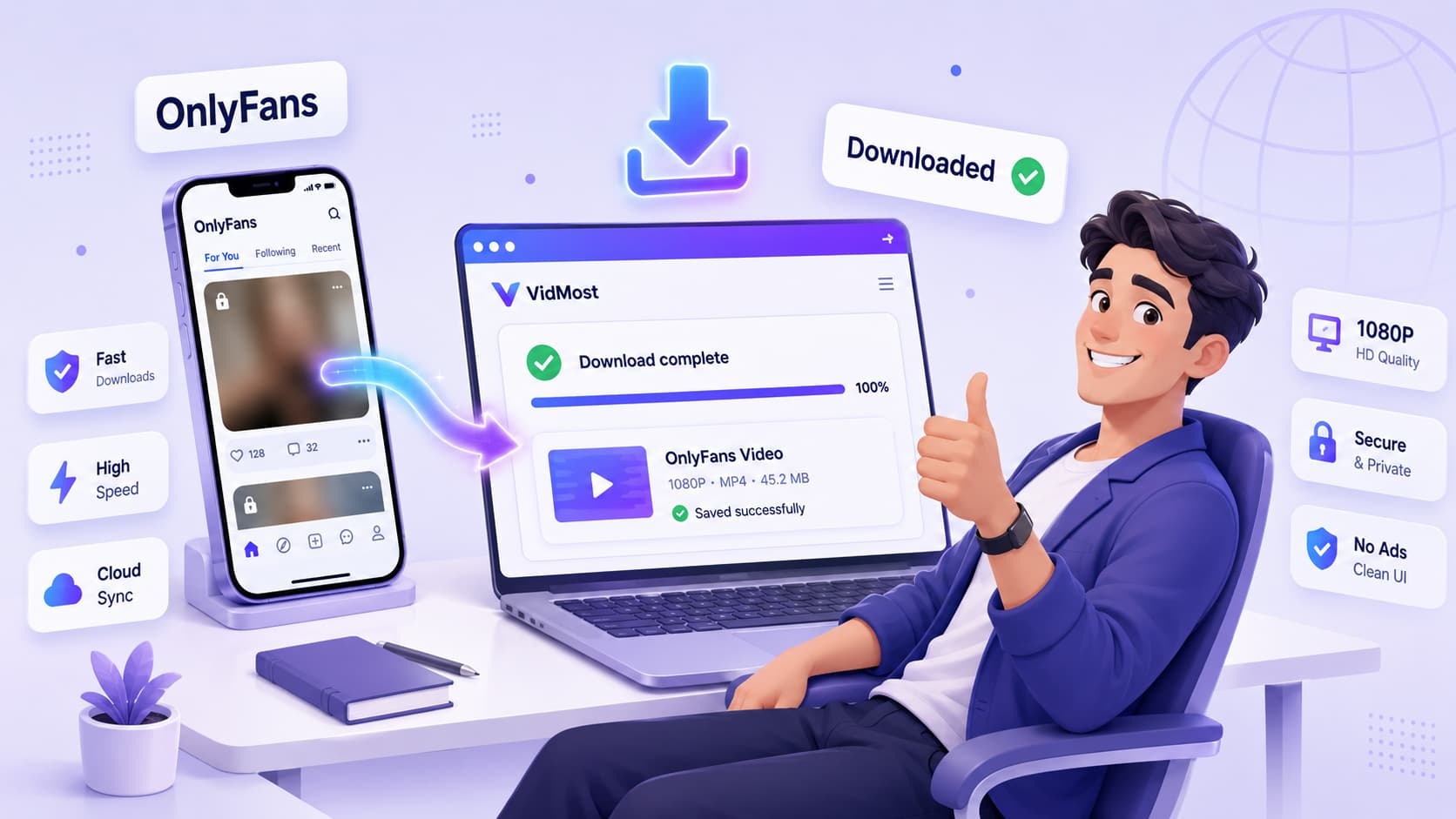
Step-by-Step: How to Actually Download an OnlyFans Video
With the right tool, the process is straightforward:
- Open the OnlyFans post containing the video you want to save — confirm you can play it normally
- Copy the post URL from your browser’s address bar (the post link, not the creator’s profile page)
- Paste the URL into VidMost
- For member content your account can view and you are allowed to save, VidMost uses browser recording mode to save normal playback as a complete MP4 file
Everything happens in the background. No command line. No cookie extraction. No debugging. Depending on video length and your connection speed, this typically takes anywhere from a few seconds to a couple of minutes.
Note: VidMost uses browser recording mode during normal browser playback. Recording quality depends on the video quality available to your signed-in browser session, not on a separate VidMost setting.
When You Shouldn’t Try to Download
No subscription means no download. The authentication system checks your account access rights. If you haven’t paid for the content, the download will fail — there’s no legitimate workaround.
Downloading isn’t the same as distributing. OnlyFans content is copyrighted. Uploading downloaded content to another platform, sharing it with others, or distributing it in any form is illegal in most jurisdictions and a direct violation of creators’ rights. Saving should happen only where platform terms, creator authorization, and local law allow it.
Respect explicit creator requests. Some creators specifically ask subscribers not to download or share their content. These are people making a living from this work. Violating that trust has real consequences — for them, and for you.
Download Still Failing? Check These Common Causes
Session expired. If you’ve had OnlyFans open in the background without refreshing, your login token may have timed out. Log out, log back in, and try again.
Video still processing. A video that was just uploaded may still be encoding at different quality levels on OnlyFans’s end. Wait a few minutes and retry.
Browser extensions interfering. VPNs, ad blockers, or cookie-cleaning tools can block the authentication headers the downloader needs. Try disabling them temporarily.
Unusual stream format. In rare cases, a specific video uses an atypical stream format, or the file is corrupted on OnlyFans’s end. Contacting the tool’s support team can help identify the issue.
Why Local Backup Matters More Than You Think
Being able to download content you’ve paid for isn’t just about convenience — it’s about control and permanence.
Creators delete content. Accounts get banned. Platform terms change. If you’ve spent money on fitness tutorials, cooking lessons, or content you genuinely value, having a local copy means it stays accessible regardless of what happens on the platform.
And this problem isn’t unique to OnlyFans. Patreon, Twitch, and even parts of YouTube use session-based authentication, segmented delivery, and platform access rules. The same practical barriers making OnlyFans downloads difficult can appear elsewhere. Getting familiar with compliant backup workflows now will save you a lot of frustration later.
VidMost also supports YouTube, Twitch, Reddit, X (Twitter), and over 1,000 other sites — not just OnlyFans.
Frequently Asked Questions
Can I download OnlyFans videos without a subscription? No. Downloading requires a valid login session and content access rights. Without a subscription, authentication fails and the download can’t proceed. There’s no legitimate workaround.
Is it legal to download OnlyFans videos? Downloading content you’ve paid for and have lawful access to, for personal use, is generally acceptable in most jurisdictions. Sharing, distributing, or uploading that content to other platforms violates copyright law and OnlyFans’s terms of service.
Why do some videos download fine while others fail? This usually comes down to session state, video encoding status, or stream format. Logging back in, waiting for processing to complete, and disabling interfering browser extensions resolve most failures.
Do I need technical skills to download OnlyFans videos? Not with VidMost. Copy the link, paste it in, wait for the file. All authentication, playback, and saving steps happen automatically in the background.
Why does my downloader work one day and break the next? OnlyFans periodically updates its stream delivery configuration. Generic tools don’t track these changes. Tools purpose-built for OnlyFans — like VidMost — are actively maintained to stay compatible as the platform evolves.