Most people have heard of OnlyFans. A growing number have also started exploring Fansly. But if you’ve actually used both, you know the experience is more different than it looks from the outside.
This isn’t a creator guide. This is purely about the subscriber side: where does your money go further, and where is the experience actually better?
Content Quality: Which Platform Has Better Creators?
OnlyFans has the largest creator base in the world. Whatever your preferences, there’s almost certainly someone on OnlyFans producing exactly that content. Most major creators have built their primary presence there — large followings, consistent posting schedules, and well-developed content libraries.
Fansly has fewer creators overall, but there’s an interesting dynamic: many up-and-coming creators start on Fansly to build their initial audience before going big on OnlyFans. That means Fansly often has more “hidden gems” — newer creators with lower prices, higher engagement, and more willingness to interact personally with subscribers.
Bottom line: OnlyFans for established creators. Fansly for finding someone new before they blow up.
Content Discovery: How Easy Is It to Find What You Want?
This is where the gap between the two platforms is most obvious.
OnlyFans has no recommendation algorithm. There’s no “suggested for you” feed, no trending creators, no category browsing that actually works. If you don’t already know a creator’s name, you essentially can’t find new content inside the platform. You have to go to Reddit, Twitter, or TikTok to find leads, then come back to subscribe.
Fansly has a proper discovery engine. The homepage surfaces creators based on your browsing behavior, and category navigation is genuinely usable. For new subscribers, Fansly feels much closer to a normal content platform.
If you don’t want to spend time hunting through external sites just to find someone new to follow, Fansly wins this one clearly.
Pricing and Value
Both platforms let creators set their own prices — there’s no standard rate. But a few patterns are consistent:
-
OnlyFans subscriptions typically run $5–$15/month, but a significant portion of content is locked behind PPV paywalls on top of that
-
Fansly’s multi-tier system lets creators offer a free tier with partial access, with full content behind a paid tier — lower barrier to entry
Many subscribers discover that OnlyFans costs significantly more than the subscription price suggests. The subscription gets you in the door; the content you actually want usually costs extra.
That’s not a criticism — it’s how the platform is designed. But it’s worth knowing before you subscribe.
Will Your Paid Content Disappear?
This is one of the most overlooked risks on both platforms.
Content you’ve paid to unlock on OnlyFans or Fansly is not permanently yours. Creators can delete old posts at any time. If a creator deactivates their account or gets banned, everything you paid to access becomes instantly unavailable — with no refund from either platform.
PPV content is especially vulnerable. Once it expires or gets deleted, it’s gone. You can’t repurchase it.
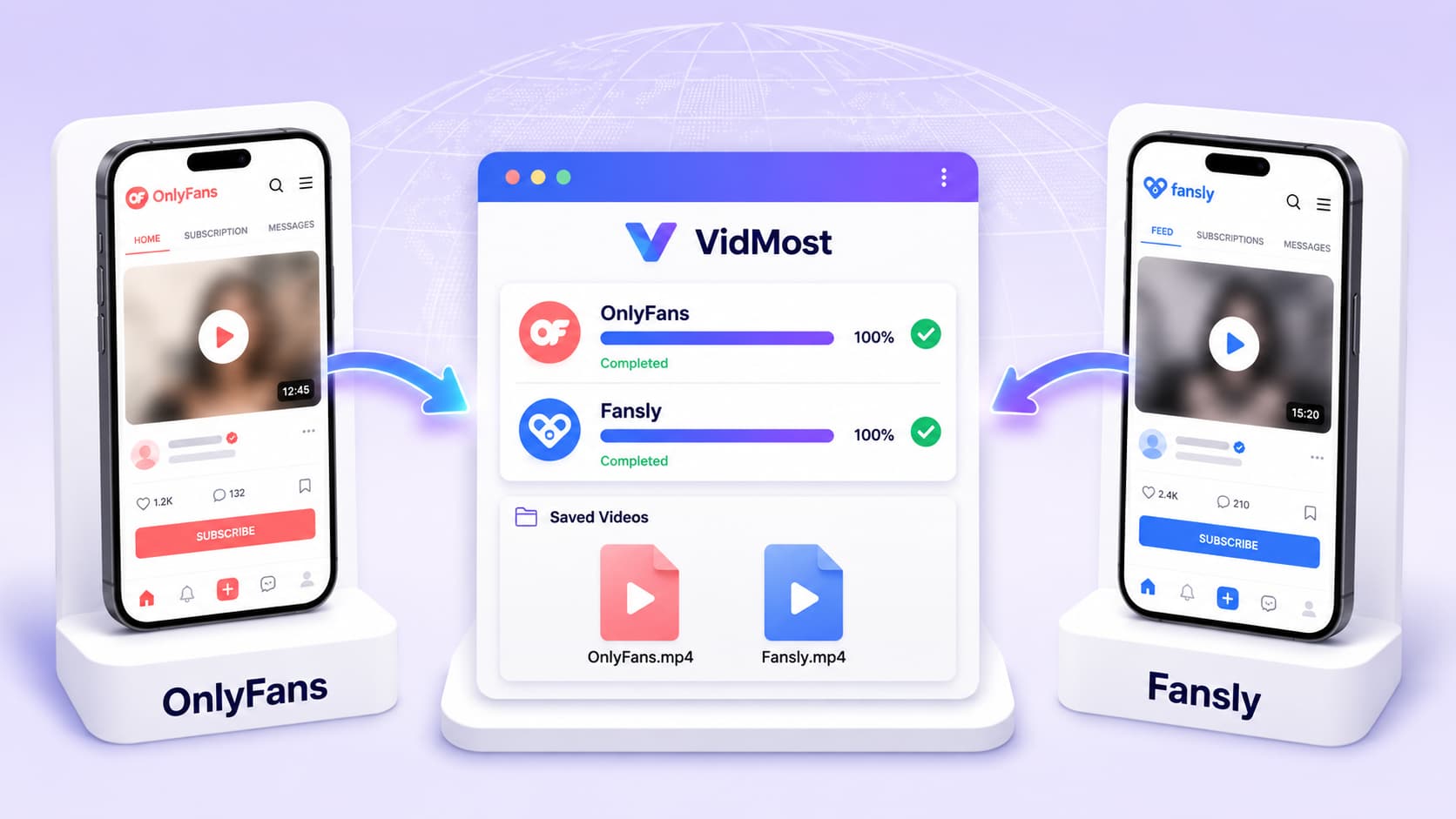
If this concerns you, VidMost is worth knowing about for permitted personal archiving. It’s a Chromium-based browser with browser recording mode for signed-in member playback, and should only be used within your account permissions, platform terms, creator authorization, and local law.
Interface and User Experience
OnlyFans is functional but shows its age. The layout is utilitarian, the mobile experience is mediocre, and navigation hasn’t changed much over the years. The messaging system is solid, which matters if you like direct interaction with creators.
Fansly looks and feels like a modern social platform. The Twitter-style feed makes scrolling natural, mobile performance is noticeably better, and the overall design is cleaner. For users who spend most of their time on a phone, Fansly is simply more pleasant to use.
Privacy and Payment
Both platforms process subscription payments with discreet billing — your bank statement won’t show the platform name. Virtual credit cards work on both if you want an extra layer of privacy.
OnlyFans has a longer track record with payment processing and fewer reported card issues. Fansly is generally stable, though some users in certain regions have reported occasional card declines.
Live Streaming
Both platforms support creator live streams, but the experience differs.
OnlyFans live streaming is basic — it works, but interactive features are limited. Fansly’s live interface is more polished, with better tipping mechanics and a more engaging real-time format.
If live interaction is important to you, Fansly delivers a better experience.
And if you want to save a stream you are allowed to archive, VidMost supports live stream recording workflows on both platforms during normal playback.
Head-to-Head Comparison
| Feature | OnlyFans | Fansly |
|---|---|---|
| Creator volume | Massive | Smaller but growing |
| Content discovery | ❌ No algorithm | ✅ Recommendation feed |
| Interface | Functional, dated | Modern, mobile-friendly |
| Pricing transparency | Low sub, high PPV costs | Multi-tier, more upfront |
| Live streaming | Basic | Better |
| Paid content security | No permanent guarantee | No permanent guarantee |
| Payment stability | High | Moderate-high |
Which Should You Choose?
Go with OnlyFans if you:
-
Already know specific creators you want to follow, and they’re primarily on OnlyFans
-
Don’t mind using Reddit or Twitter to find new people to subscribe to
-
Want the largest possible creator pool and proven payment infrastructure
Go with Fansly if you:
-
Want to discover new creators without leaving the platform
-
Are on a tighter budget and want to test with a free tier first
-
Prefer a cleaner, more modern interface — especially on mobile
Many people end up using both. Plenty of creators post on both platforms, sometimes with different content on each. If you’re a regular subscriber, trying both and then deciding where to concentrate your spending makes sense.
Whichever platform you choose, keep your own records and only back up content locally when the platform terms and creator authorization allow it. VidMost can help with those permitted archiving workflows.
FAQ
Which platform is cheaper, OnlyFans or Fansly? It depends on the creator. Fansly’s free tiers lower the entry cost, but OnlyFans PPV charges can add up quickly. Factor in total spending, not just the subscription price.
Can I find the same creators on both platforms? Some creators post on both, but content often differs between platforms. Most major creators still use OnlyFans as their primary home.
What happens if a creator deletes content I already paid for? Neither platform offers refunds for deleted content. Download and save anything important using VidMost — once content is stored locally, it’s yours regardless of what happens on the platform.
Do I need to use my real name to subscribe? No. Registration only requires an email address. Billing appears on your statement under a discreet description with no platform name shown.
Is the free tier on Fansly actually free? Yes. Some creators offer a genuinely free subscription tier with access to select public posts. Full content libraries require a paid tier upgrade.