You’re watching a video on OnlyFans and want to capture a specific moment. You hit the screenshot button — and instead of the image you wanted, you get a completely black rectangle.
This isn’t your device malfunctioning. It isn’t an OnlyFans bug. It’s DRM — Digital Rights Management — working exactly as designed. Every time you press play on OnlyFans, a layered authentication and encryption system activates in the background, and blocking screenshots is just one of the things it does.
If you want to understand why OnlyFans videos are so difficult to screenshot, record, or download, this article breaks down the technical reality behind what’s happening.
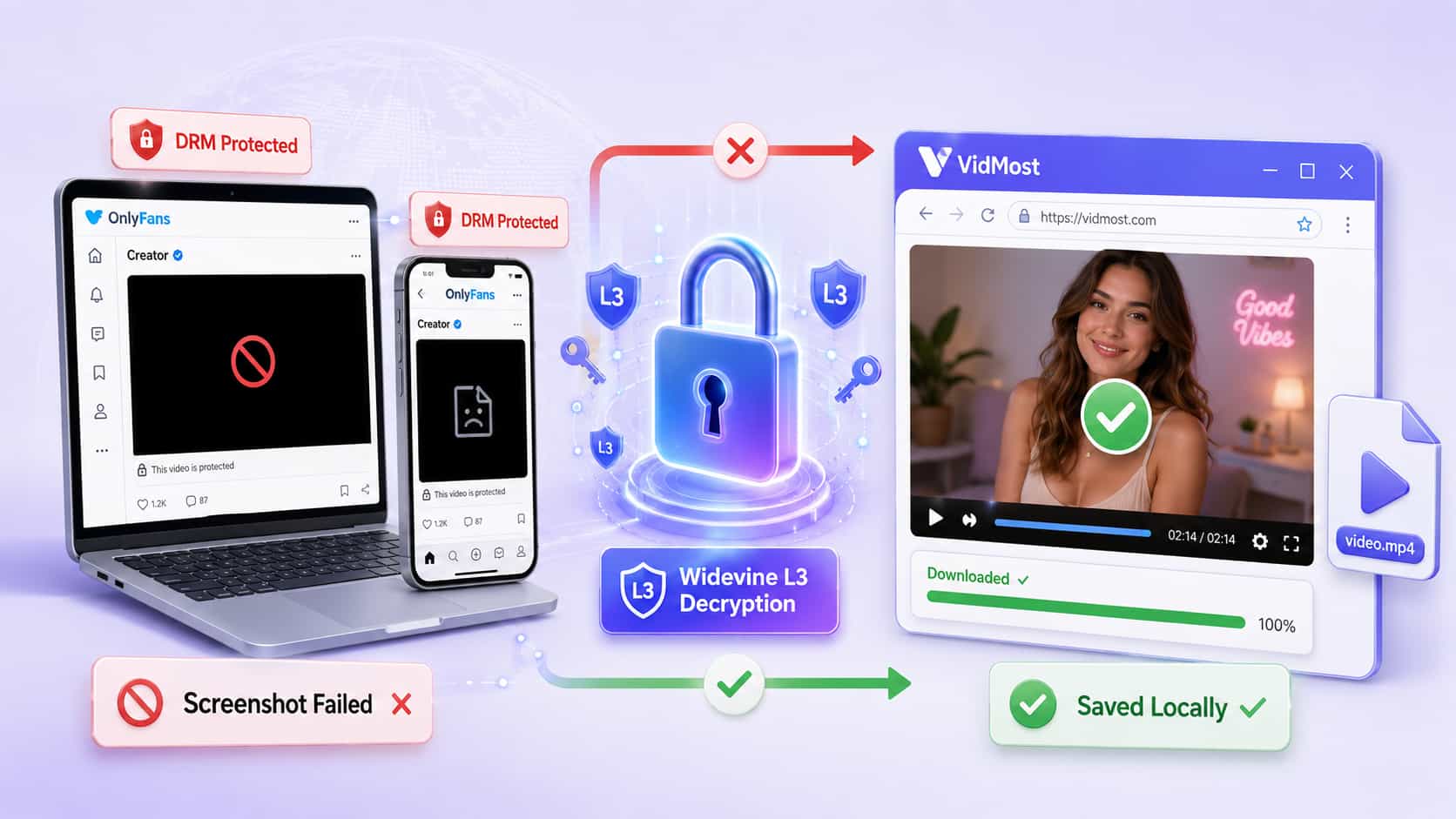
DRM Core Mechanisms at a Glance
| Mechanism | What It Does |
|---|---|
| Content encryption | Video delivered as encrypted segments — unreadable without a key |
| Device verification | Checks hardware and OS against security requirements |
| License server | Issues decryption keys and controls playback permissions |
| HDCP verification | Confirms display devices support anti-copy protocols |
| CDM (Content Decryption Module) | Decrypts video inside a secure enclave, invisible to other software |
What Is DRM?
DRM stands for Digital Rights Management — a security system that controls who can access, copy, or share protected digital content. Think of it as a bouncer who checks not just your ID, but your entire setup before letting you in.
For subscription platforms like OnlyFans, DRM’s core purpose is to prevent paid content from being recorded and distributed to non-subscribers. If a creator’s videos could be easily captured and shared, the entire paid subscription model breaks down.
But DRM isn’t just checking whether you’re logged in. It’s a coordinated system of multiple verification layers — each one checking a different aspect of your playback environment. If any single layer fails, the video either won’t play or gets downgraded.
What Actually Happens When You Press Play
Using OnlyFans as an example — here’s what happens in the milliseconds between clicking play and the video appearing on your screen:
Step 1: Account verification The platform confirms you’re an active paying subscriber to that creator. This is the only part most users ever consciously notice.
Step 2: Device verification The player detects DRM protection and calls on your device’s CDM (Content Decryption Module) to audit your hardware. The CDM checks your operating system version, connected displays, and whether your HDMI connection uses HDCP (High-bandwidth Digital Content Protection).
Why check your monitor? Because without HDCP compliance, you could theoretically use a second device to record the screen output directly. DRM wants to close that gap.
Step 3: Generate device credentials The CDM packages your device information into an encrypted credential — called an “opaque blob” — and sends it to a DRM license server.
Step 4: Receive decryption key The license server verifies whether your device meets its security requirements. If it does, it returns a decryption key along with playback rules — how long you can watch, whether offline playback is permitted.
Step 5: Decrypt and display The CDM decrypts the video stream inside a secure enclave and sends the decrypted frames directly to your display hardware, bypassing all other software. This is exactly why screenshot tools only capture a black rectangle — they never see the decrypted frames at all.
Why Screenshots Return a Black Screen
The decrypted video never exists as an ordinary file in your system’s memory. The CDM keeps the entire decryption process inside a secure enclave, and the output goes straight to display hardware — bypassing the operating system’s normal screen capture pipeline.
When you press the screenshot key:
-
The screenshot tool attempts to capture screen content
-
The DRM system detects this
-
The video area returns black pixels
-
Everything else on screen (browser UI, tabs) captures normally — only the video area is black
Screen recording software hits the same wall. It either intercepts an encrypted stream it can’t parse, or captures a black rectangle where the video should be.
DRM Tiers: Why Video Quality Sometimes Drops Automatically
DRM isn’t binary. Most platforms implement tiered security based on content value:
-
HD / 4K content: Strictest device requirements — latest HDCP versions, updated OS security patches, certified hardware
-
Standard definition: More permissive requirements, compatible with a wider range of devices
-
Lower quality content: Minimal protection, because the quality itself limits the value of any pirated copy
This explains a common experience: the same video plays in high quality on a new phone but only in standard definition on an older smart TV. It’s not a bandwidth issue — the DRM system has decided the TV doesn’t meet HD security requirements and automatically stepped down the quality.
Why Downloading OnlyFans Videos Is So Difficult
If you’ve ever tried to download an OnlyFans video with a standard tool, you already know: almost everything fails. The reason is exactly how DRM works.
Generic downloaders: They retrieve encrypted video segments (m3u8 format) but don’t have the decryption key needed to reassemble them into a playable file.
Screenshot and screen recording tools: As described above, DRM intercepts these at the display layer and returns a black frame.
Browser extensions: OnlyFans uses dynamically loaded video — extensions can’t find a usable video URL to download because there isn’t a static one to find.
This is where VidMost addresses a real gap. VidMost is a Chromium-based browser with built-in Widevine L3 decryption support. Rather than attempting to bypass DRM from the outside, it handles the authentication and decryption process at the browser level — within the scope of your existing subscription access — which is why it can succeed where generic tools don’t.
It’s specifically built for the scenarios generic tools can’t handle: dynamically loaded videos, long-form content, live streams, and membership-gated platforms like OnlyFans that require both login and subscription verification.
Note: Widevine L3 is software-level decryption. Downloaded OnlyFans video quality is typically capped at 480p–720p — a universal limit across all current tools in this category, not specific to VidMost.
What DRM Means for You as an OnlyFans Subscriber
For most people, DRM is invisible until it suddenly isn’t. Black screenshots, unexplained quality drops, videos that won’t play on certain devices, content you’ve paid for that you can’t save — these are all DRM doing its job.
Understanding how it works helps you make better decisions:
-
You know why certain tools will always fail, and stop wasting time on them
-
You understand why device security certification affects the quality you can access
-
You know what circumstances actually require a purpose-built tool to solve
For anyone who takes their content library seriously — saving videos they’ve paid for, managing subscription content, preserving live stream recordings — understanding DRM’s boundaries is the first step toward finding solutions that actually work.
Frequently Asked Questions
Why does my OnlyFans screenshot come out black? OnlyFans uses DRM that routes decrypted video frames directly to display hardware through the CDM’s secure enclave, bypassing the OS screen capture pipeline entirely. When you attempt a screenshot, the DRM system intercepts it and returns black pixels for the video area. The rest of your screen captures normally.
Can I watch OnlyFans on any device? Not always at full quality. DRM verifies whether your device meets security requirements — including OS version and HDCP support on connected displays. Devices that don’t qualify may be limited to lower resolution playback or blocked from certain content entirely.
Is there a legitimate way to download OnlyFans videos? OnlyFans doesn’t provide native download functionality. For content you have lawful subscription access to, VidMost is purpose-built for membership platform video content — it handles the authentication and decryption workflow within the scope of your existing access rights rather than attempting to bypass DRM externally.
Why does video quality vary across my devices? DRM applies different security requirements to different quality tiers. If your device doesn’t meet the hardware security standards for HD playback — an older OS, unsupported HDCP version, or non-certified display — the platform automatically downgrades to a quality level with less stringent requirements. This is intentional behavior, not a technical error.
What’s the difference between DRM and password protection? Password protection verifies your identity at login — after that, you can generally interact with content freely. DRM operates at the hardware level and continues controlling what your device can do with content even after authentication. It determines whether you can screenshot, record, or save content regardless of whether you have a valid account.