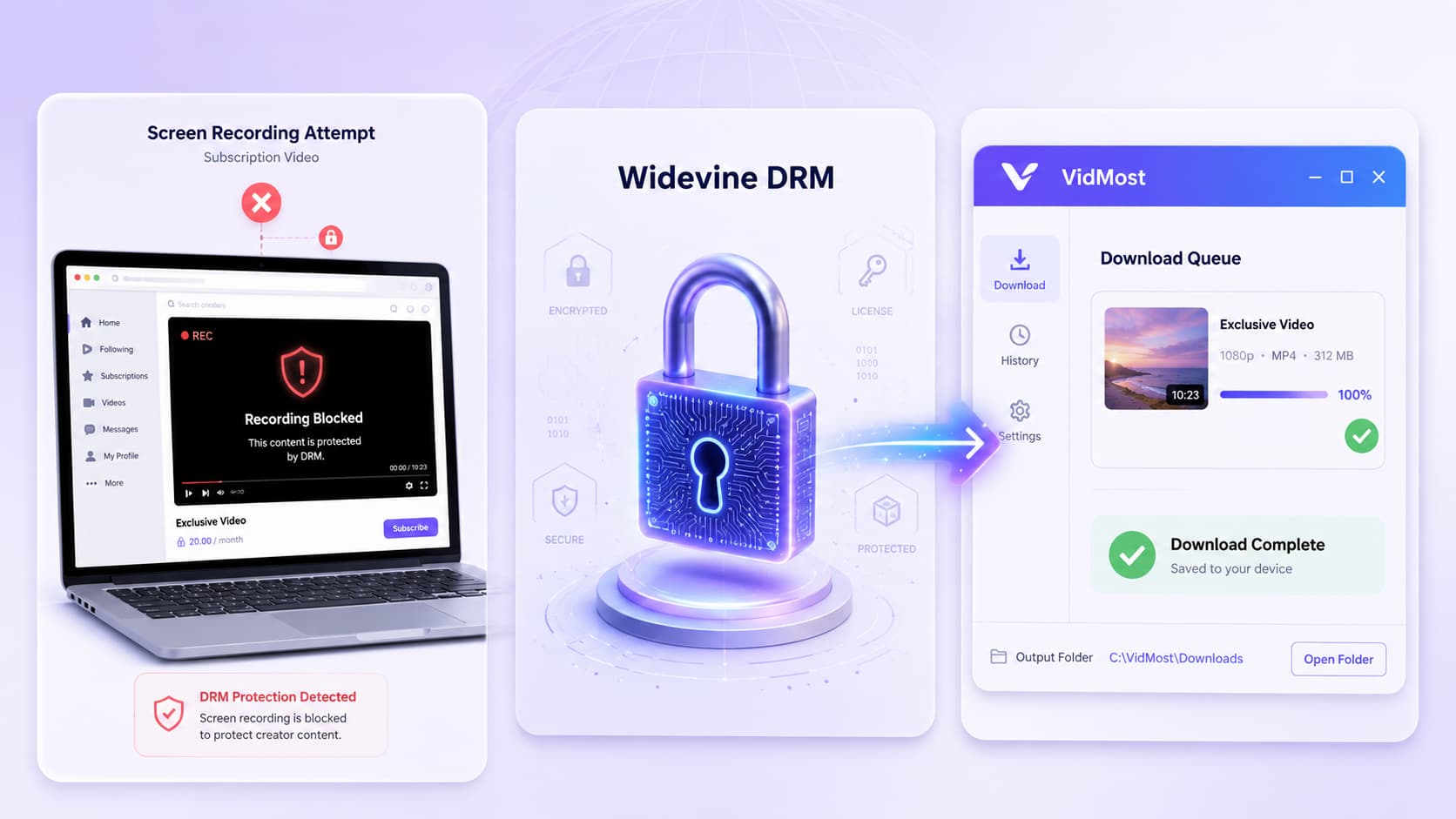
You’ve probably tried it. Start a screen recorder, open an OnlyFans video, and watch your recording software capture nothing but a black rectangle. The audio works. The player controls show up. But the actual video content? Completely gone.
Stop recording and the video reappears immediately.
This isn’t your device malfunctioning. It isn’t an OnlyFans bug. It’s DRM doing exactly what it’s designed to do — and understanding how the system actually works reveals a surprisingly layered world of encryption, licensing servers, and hardware-level security that operates invisibly every time you press play.
DRM Protection Levels Compared
| Protection Level | Example Platforms | Where Decryption Happens | Max Quality | Can Tools Handle It? |
|---|---|---|---|---|
| Basic (Clear Key) | Some course platforms | Browser software | Unlimited | ✅ Standard tools work |
| Widevine L3 | OnlyFans, subscription platforms | Software TEE | 720p | ✅ Purpose-built tools work |
| Widevine L1 | Netflix, Disney+ | Hardware chip | 4K | ❌ Effectively unbreakable |
| FairPlay | Apple platforms | Hardware chip | 4K | ❌ Effectively unbreakable |
What DRM Actually Means for Streaming Video
Digital Rights Management is a protection layer that sits between you and the content you’re watching. It’s not designed to make your life harder — though it sometimes feels that way. Its goal is to block the easiest forms of piracy: download buttons, right-click-save attempts, and screen recording tools.
You could always point a physical camera at your screen. DRM can’t stop that. But that’s precisely the point. DRM doesn’t need to stop every possible copying method — just the easy ones.
Think of it like a car lock. A professional thief can still get in, but it stops opportunistic theft. That’s what DRM does for video content.
How Basic Encryption Works — and Why It Failed
Before platforms like OnlyFans implemented complex protection, there was a simpler approach called clear key encryption.
Here’s how it worked: take a normal video file, encrypt it using AES-128 (which scrambles it into unreadable gibberish), and require two pieces of information to decrypt it — an encryption key and an initialization vector. When a user requests playback, the server verifies their access and sends both the encrypted video and those keys to their device.
The encryption itself is strong — you genuinely can’t break AES without the keys. But there’s a critical flaw: those keys have to travel over the internet to reach your device.
Open your browser’s developer tools, monitor network traffic, and you’d see those keys being transmitted. Intercept them, and you can decrypt the video yourself. This is called “clear key” encryption — the key transfer happens in plain view, even though the video itself is encrypted.
How Widevine and FairPlay Solved the Problem
Google (Widevine) and Apple (FairPlay) identified that the weak point wasn’t encryption strength — it was that decryption happened somewhere users could access. Their solution: move decryption somewhere you can’t reach.
That somewhere is called a Trusted Execution Environment, or TEE. When you play an OnlyFans video today, here’s what actually happens:
The browser detects DRM protection and hands control to the TEE. The TEE makes its own request to a licensing server (operated by Google), presenting proof that the device is legitimate and the user has viewing rights. The licensing server issues a decryption key tied specifically to that device and session. The TEE decrypts the video inside the isolated environment and sends decoded frames directly to your display hardware — bypassing every piece of software between the player and your screen.
Your screen recorder, screenshot tool, and download utility are all completely outside this loop. They never see the decrypted video. That’s why they capture nothing but black.
Why Chrome and Safari Play OnlyFans at Different Quality Levels
Widevine has three security levels, and they matter for what resolution you can access.
L1 (highest): The TEE isn’t just software — it’s implemented in dedicated hardware on the device. A physical chip designed specifically for secure operations. Safari on Mac uses Apple’s hardware-based TEE, which is why certain platforms allow higher resolution playback there.
L3 (software-level): The TEE is software-simulated — more secure than clear key, but without hardware guarantees. Chrome uses L3 on most devices. This is why some platforms cap Chrome at 720p: even if someone compromised the software TEE, they’d only extract a 720p version.
OnlyFans uses Widevine L3. This means:
-
Standard screenshot and recording tools are completely ineffective
-
Specialized tools like VidMost that are built to work within L3’s framework can help you save content you have legitimate subscription access to
-
Hardware-level L1 protection (used by Netflix, Disney+) is effectively unbreakable by any available tool
The Complete Playback Flow: Every Step After You Click Play
① Content encryption: The video is encrypted server-side before it ever reaches you. Content metadata is registered with the licensing server — not the video itself, just the keys and rules.
② Subscription verification: The platform checks you’re an active, paying subscriber.
③ Device credential submission: Your TEE generates a device-specific credential and sends it to the licensing server.
④ License issuance: The server validates the device and returns a decryption key bound to your specific device and this viewing session. The key can’t be copied to another device.
⑤ Decryption inside the TEE: The entire decryption process happens inside the isolated environment. Decoded frames go directly to display hardware.
⑥ Software sees nothing: Your recording software, screenshot tools, and download utilities never interact with the decrypted content at any point.
Why Some Videos Download Easily and Others Don’t
Not all online video has the same level of protection, and understanding the difference sets realistic expectations.
Unprotected public video (regular YouTube, Twitter/X clips): Any standard download tool works fine.
Basic encrypted content (some smaller course platforms): Keys travel over the network and can be intercepted with the right approach.
Widevine L3 (OnlyFans and similar subscription platforms): Requires tools purpose-built for this protection level. VidMost handles OnlyFans specifically — it works within the authentication framework of your existing subscription rather than trying to bypass DRM externally, which is why it can succeed where generic tools fail.
Widevine L1 / FairPlay (Netflix, Disney+, Apple TV+): Hardware-level protection that no commercially available tool can practically break. The architecture is specifically designed to make this impossible.
The Arms Race: When DRM Gets Broken and Gets Fixed
DRM protection isn’t permanently fixed — it’s an ongoing system that gets updated as vulnerabilities are found.
In 2016, a vulnerability in Chrome’s DRM implementation briefly allowed people to extract decrypted video streams. Google patched it quickly, but the incident illustrated the underlying dynamic: this is a continuous back-and-forth. DRM providers constantly update their systems, changing how the TEE operates, how licenses are issued, and how the decryption pipeline flows. Exploits that worked six months ago often stop working after routine browser updates.
This constant evolution is part of why these systems remain effective despite not being theoretically unbreakable. Keeping the implementation obscure and updated simultaneously is what makes casual circumvention impractical.
What This Actually Means for OnlyFans Subscribers
If you’re not trying to pirate content, does any of this matter to you? More than you might think.
You’ve paid for a subscription. You want to save a video for offline viewing, or keep a backup before a creator deletes their content. The DRM system doesn’t distinguish between those intentions and piracy — it applies the same restrictions regardless.
This is the persistent criticism of DRM: pirates often end up with clean, DRM-free files distributed freely, while paying customers deal with quality caps, device compatibility issues, and inability to save content they legitimately purchased access to.
Understanding the mechanics helps you make clearer decisions about which tools will actually work, which ones are wasting your time, and where the real technical limits are.
Frequently Asked Questions
Why does recording OnlyFans only capture a black screen? OnlyFans uses Widevine L3 DRM. The decryption process runs inside a Trusted Execution Environment, and decoded video frames are sent directly to display hardware — bypassing all software including recording tools. Your recorder intercepts nothing because there’s nothing for it to see at that layer.
What DRM does OnlyFans use? OnlyFans uses Google’s Widevine L3 — software-level TEE protection. This is a lower security tier than Netflix’s L1 hardware implementation, which is why purpose-built tools can work with OnlyFans content within the scope of your subscription access, while Netflix remains effectively unbreakable.
Is there a legitimate way to save OnlyFans videos? The platform provides no native download feature. For content you have active subscription access to, VidMost is built specifically for membership-gated platforms like OnlyFans — handling the authentication and L3 decryption workflow within your legitimate access rights rather than attempting external bypass.
Why does video quality vary between browsers? Chrome uses Widevine L3 (software TEE), which leads some platforms to cap resolution at 720p as a security precaution. Safari on Mac uses Apple’s hardware TEE and may access higher quality. This is a DRM security tier difference, not a network speed issue.
Is DRM fair to paying customers? This is DRM’s most persistent criticism. Pirates frequently access clean, unprotected files while legitimate subscribers face resolution limits, download restrictions, and device compatibility issues. DRM protects creator revenue, but the friction cost falls on paying customers — the people it’s theoretically designed to serve.
What’s the difference between OnlyFans DRM and Netflix DRM? OnlyFans uses Widevine L3 (software-level), while Netflix uses L1 (hardware-level). This is why specialized tools can work with OnlyFans content you’ve subscribed to, while Netflix content remains practically inaccessible to any available download tool. The hardware implementation creates a security barrier that software alone can’t realistically cross.